Collecting
Share your record collection online, the way it looks on your shelf
Walk into a friend's flat and you drift towards the records. The sleeves say more than an hour of small talk. But there was never a good way to show your own shelf to someone who isn't in the room. So we built one: a page for your records, with your name on it.
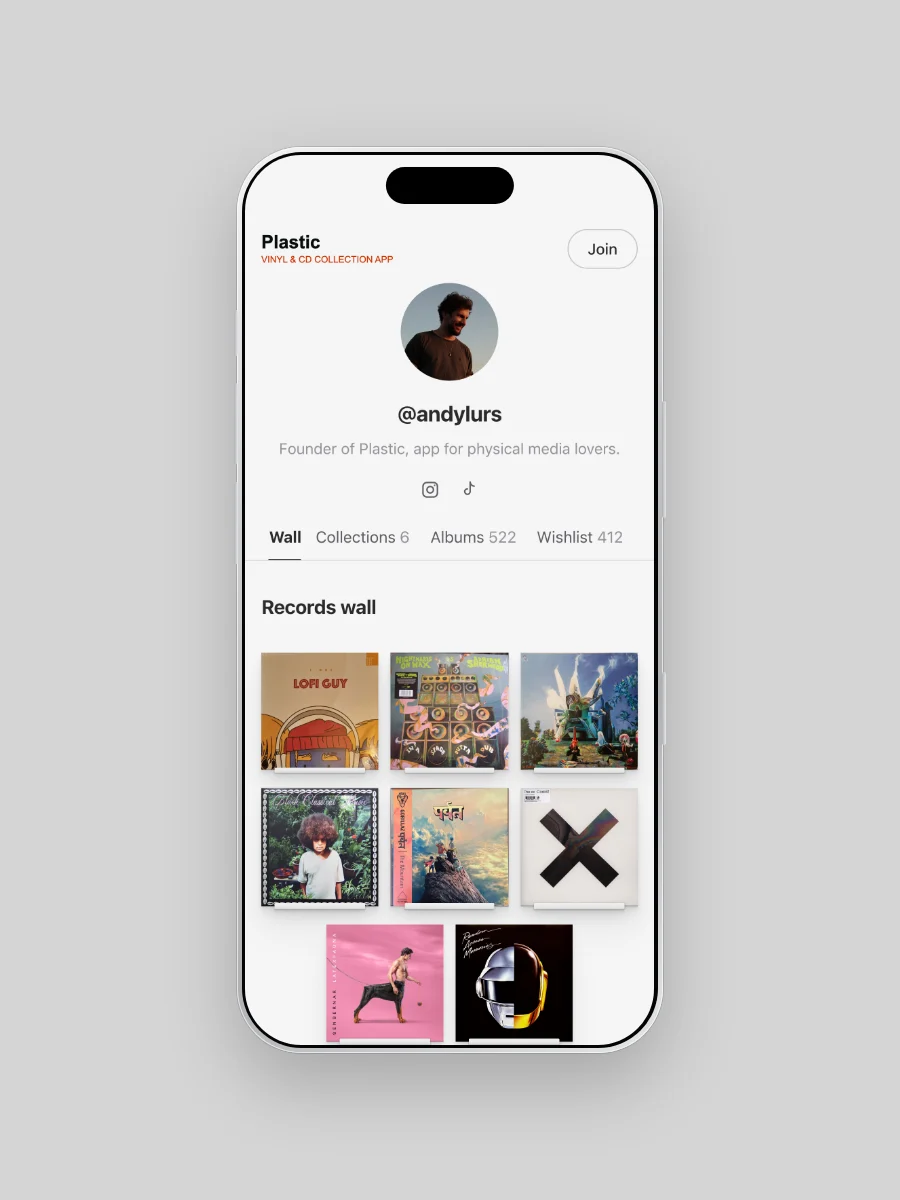
Up top sits your wall: the records you'd play a guest first.
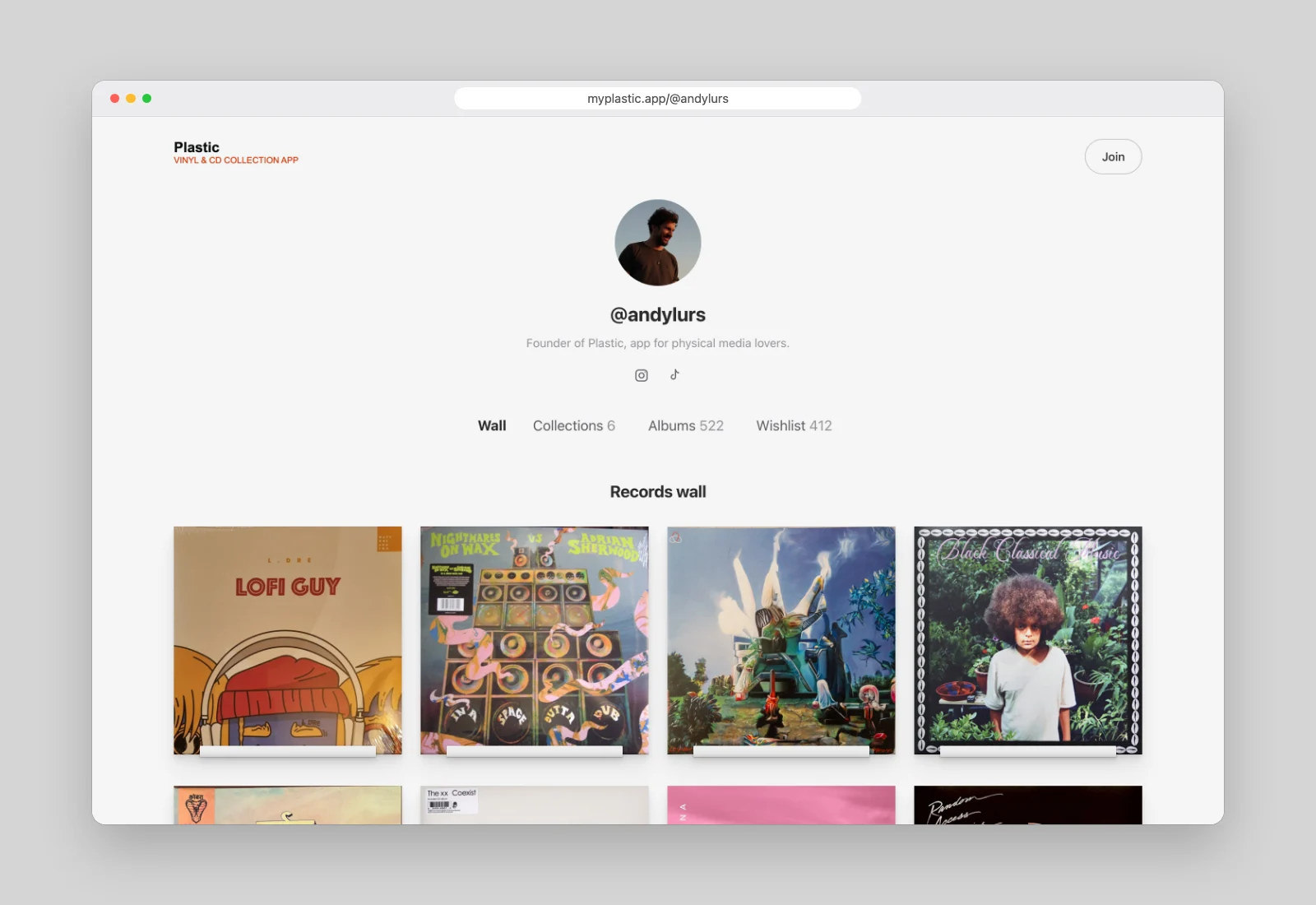
Curated, not just catalogued
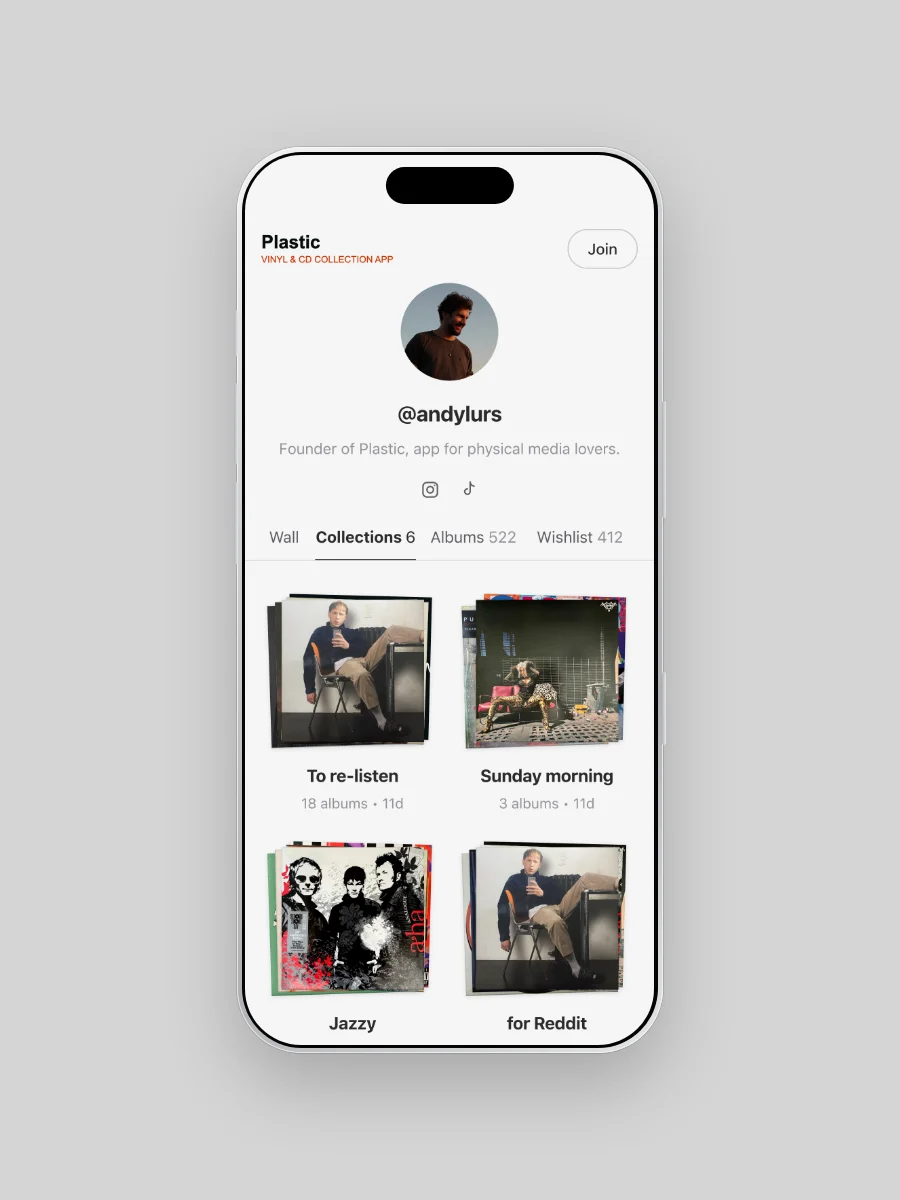
A collection is more than a list. Most of us already think in small groups: records for Sunday morning, records for a long drive, records lent out and never returned.
In Plastic those groups are called Collections, and each one gets its own place on your page. A visitor can browse one the way they'd flick through a section of your shelf.
Behind the wall and the Collections sits everything else: every record you own, and your whole wishlist. Vinyl, CDs and cassettes all sit together.
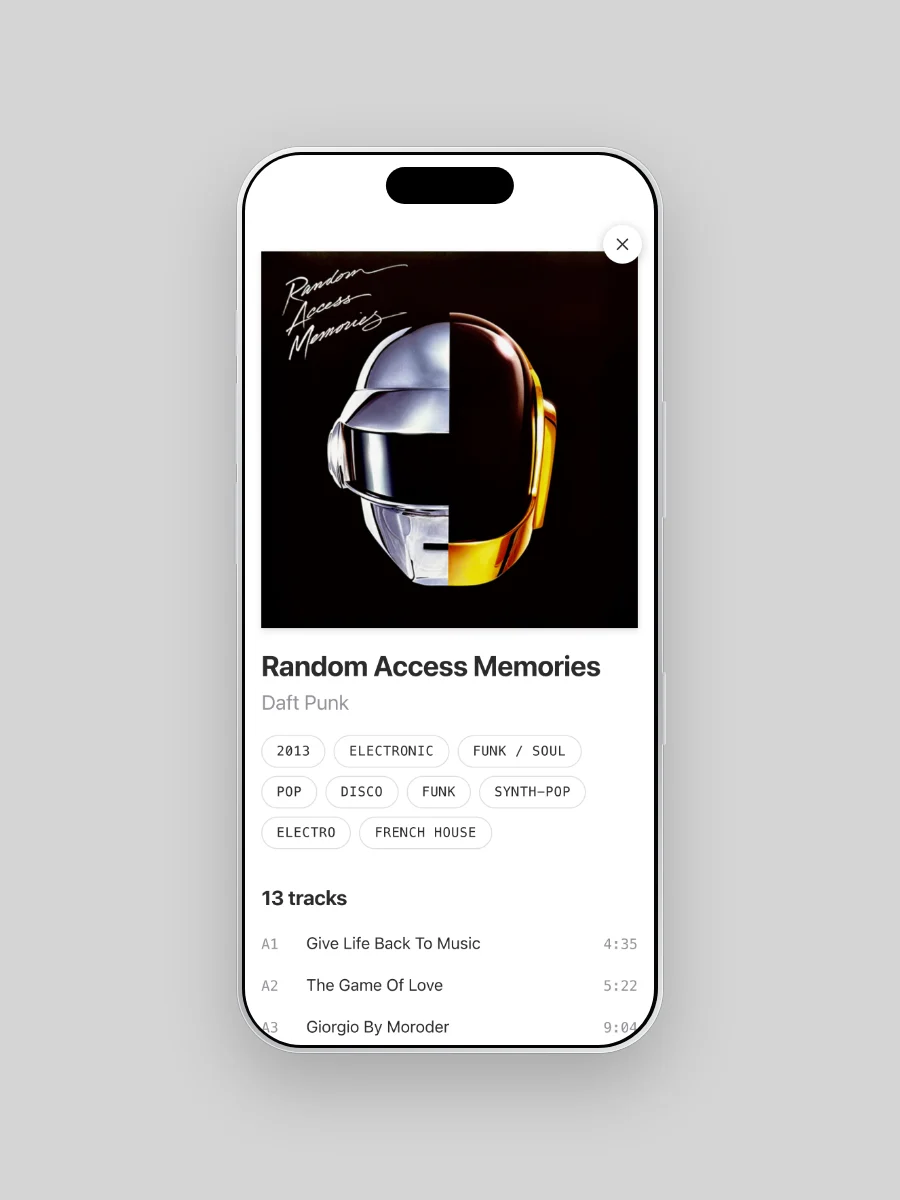
Tap any sleeve and the record opens. Your visitor sees the tracklist and a short story about the album, then opens it in Apple Music, Spotify, Tidal or YouTube Music. A page to browse quickly turns into a page to listen from.
A wishlist people can actually use
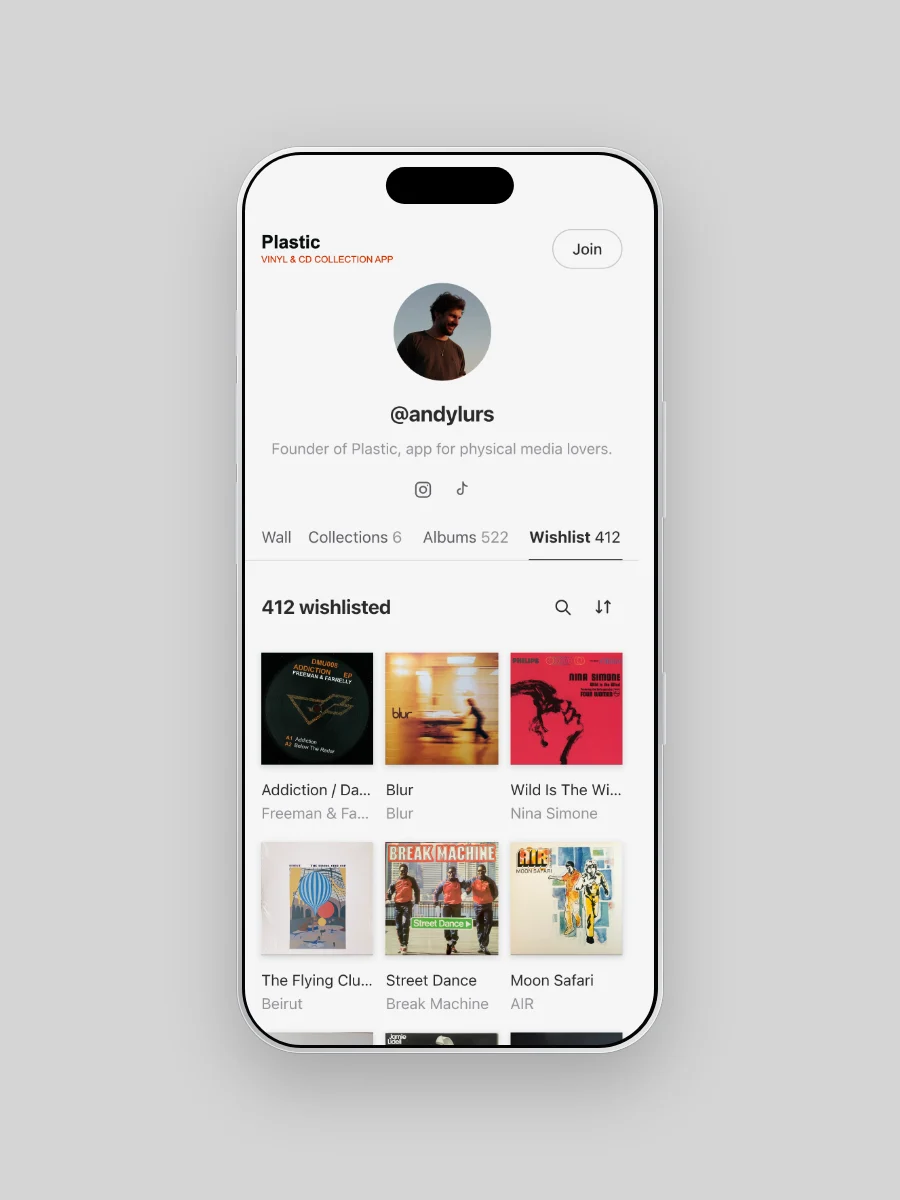
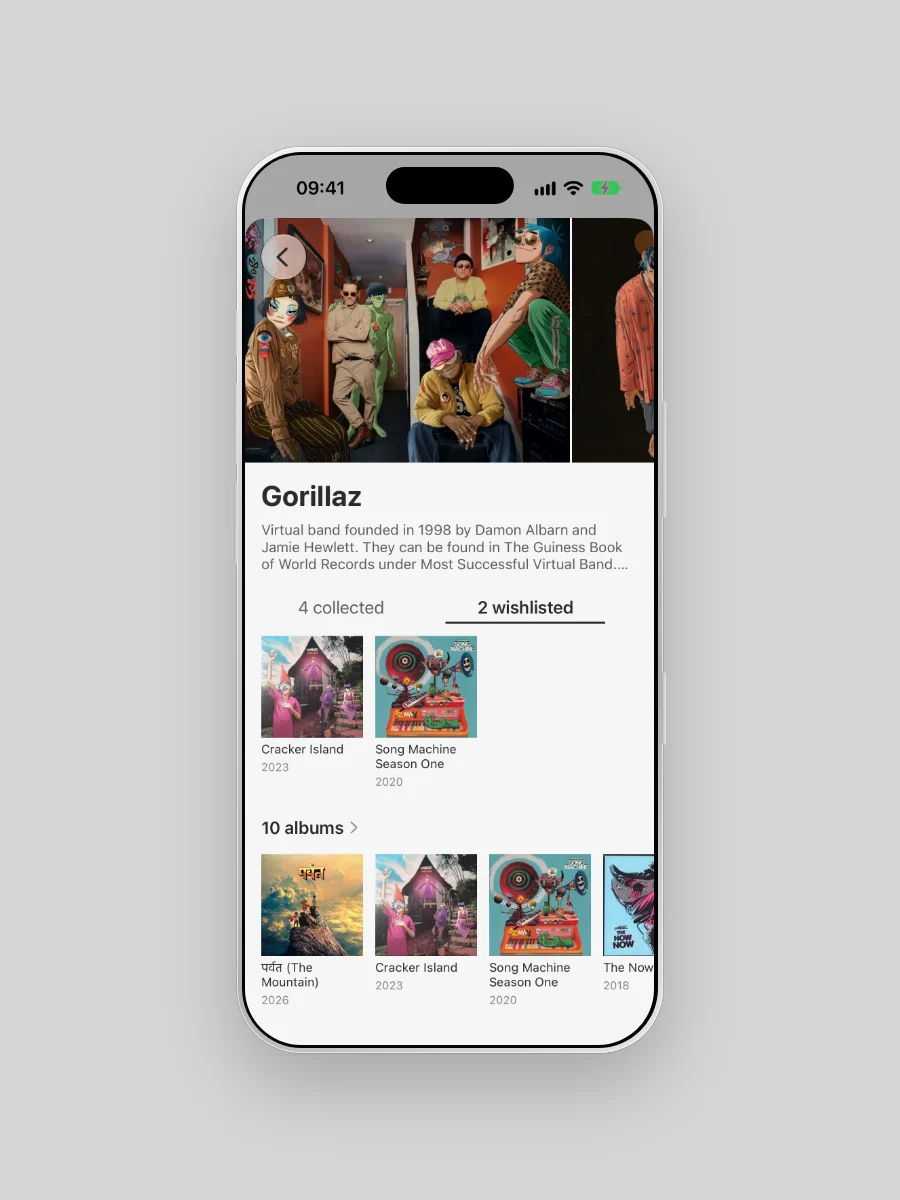
Birthdays and holidays come with the same question: what do you want? Your wishlist has its own link, so you can send just that, or share it as one image of covers. In Plastic, an artist's page keeps the records you want next to the ones you own.
It keeps up on its own
Nobody wants to catalogue the same shelf twice. Already on Discogs? Connect it once: Plastic syncs on its own, and your page follows. Records you add in Plastic show up too, whether you scan a sleeve, scan a barcode or search for it.
Yours to shape
Show everything, or just the wall. Add a photo, a short bio and your links. Prices, condition and notes never show; those stay between you and the shelf. And when you want a break, the whole page goes private.
Make yours
It's free on iPhone and Android, and the wall holds up to 15 sleeves on every plan.
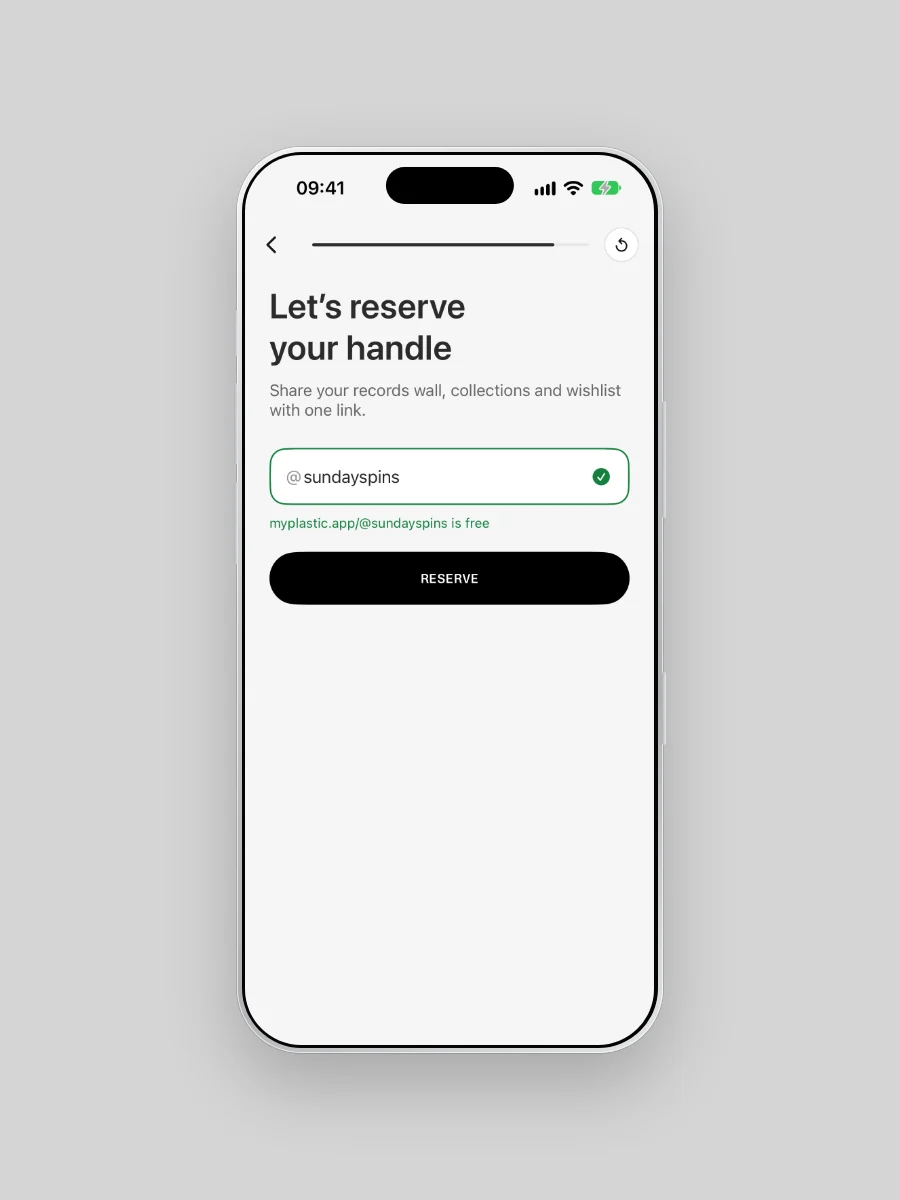
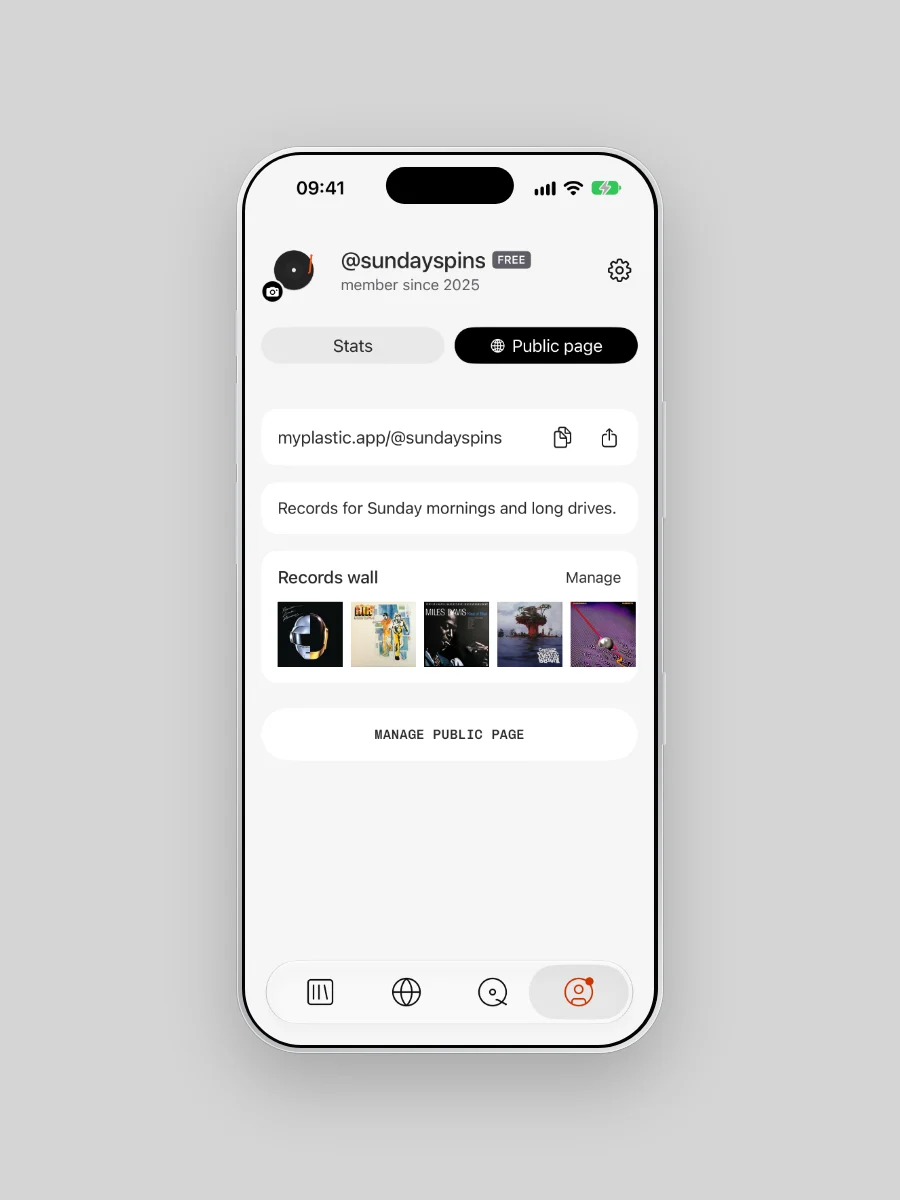
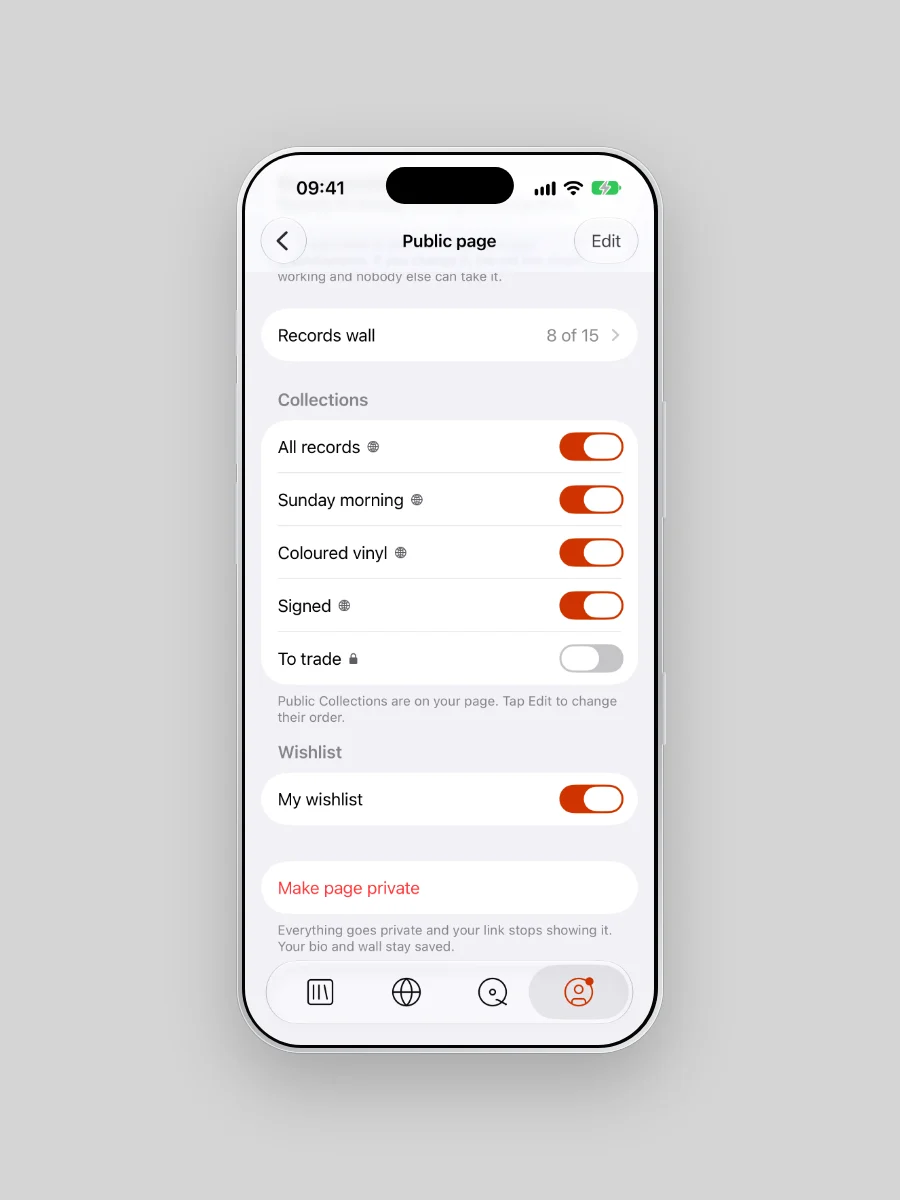
- Open Profile in Plastic and tap Public page.
- Reserve your handle.
- Pick your wall and choose what shows: all records, each Collection, your wishlist.
- Share the link.