Scanning
Identify a vinyl record from its cover
Plastic can identify an album from a photo of its sleeve, even without a barcode. It is a collection app for vinyl, CDs and cassettes on iPhone and Android. Use the camera or import a saved photo to start.
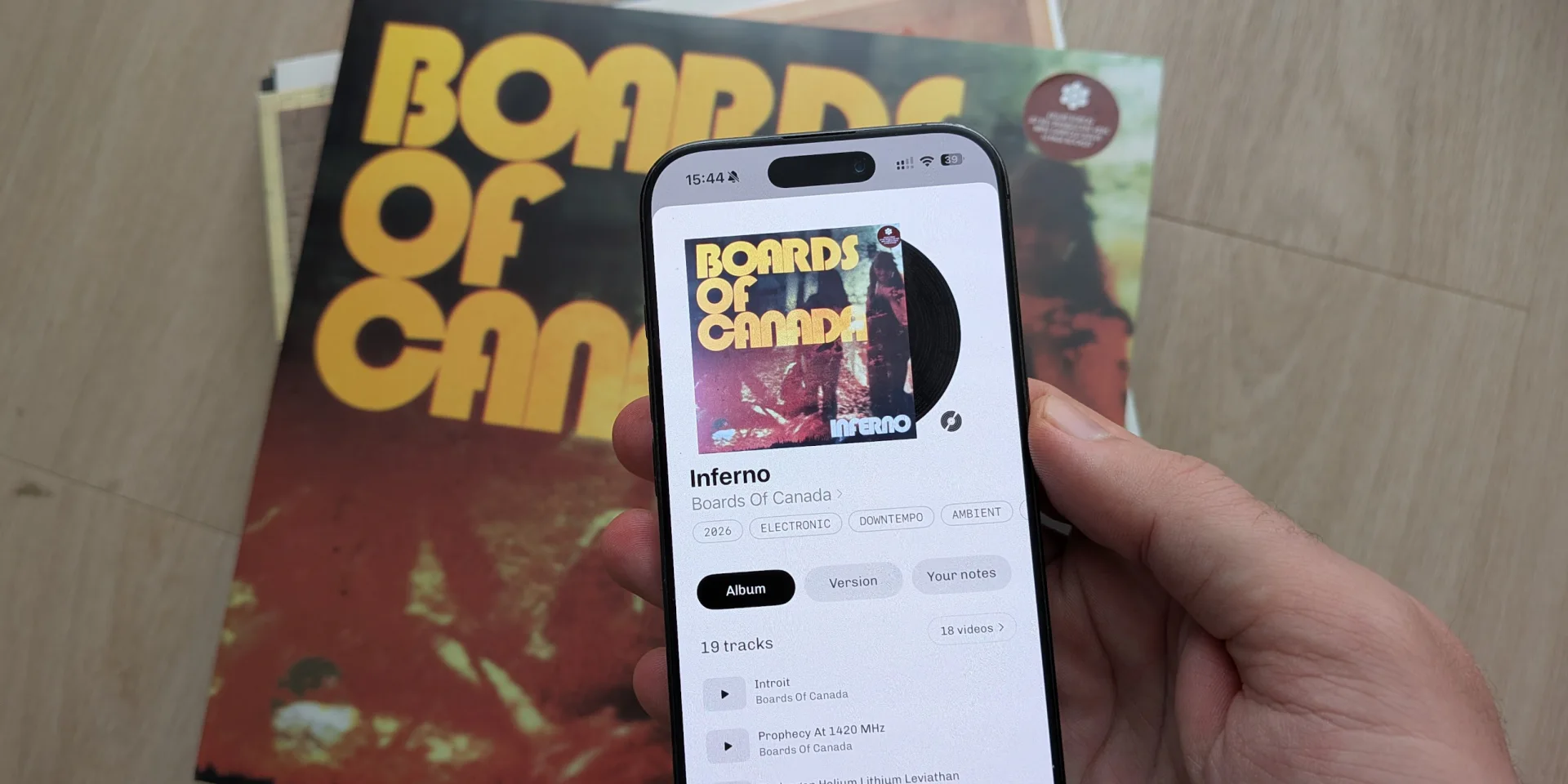
A cover scan can find the album or a specific release. Open the result to explore the music and the edition details.
Start with the clue you have
Front cover
- Finds
- Album
- Precision
- Album
- Where
- The artwork on the sleeve
- In Plastic
- Scan the cover
Its story, tracklist, previews and music videos. Sometimes the exact release.
Barcode
- Finds
- Edition
- Precision
- Edition
- Where
- Usually on the back
- In Plastic
- Scan the barcode
The releases that share the code, often colour variants of one edition. A single match is the pressing. The vinyl barcode scanner guide explains what to check.
Catalogue number
- Finds
- Edition
- Precision
- Edition
- Where
- On the spine or label
- In Plastic
- Scan a label
The label's edition. Some repressings keep the same number.
Runout text
- Finds
- Pressing and price
- Precision
- Pressing
- Where
- Etched near the label
- In Plastic
- Dead wax search
One pressing or a small group, for vinyl. Type a readable part into Dead wax search. Its Version tab shows the asking price, when one is listed, and how many collectors have and want it.
How does Plastic scan a record cover?
Take a photo of the front cover. Plastic compares the sleeve with its record catalogue and uses readable text, including a visible catalogue number, to narrow the result.
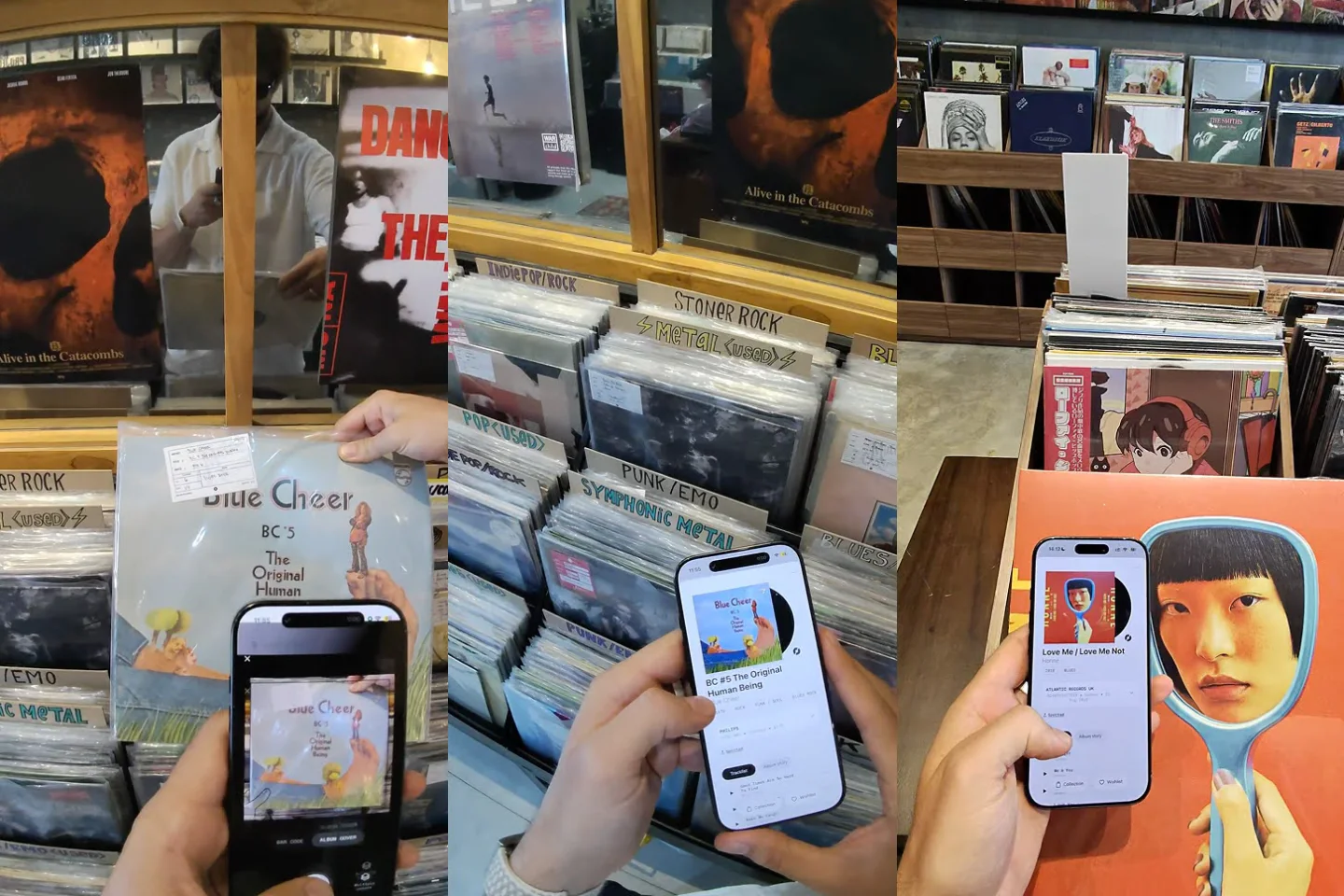
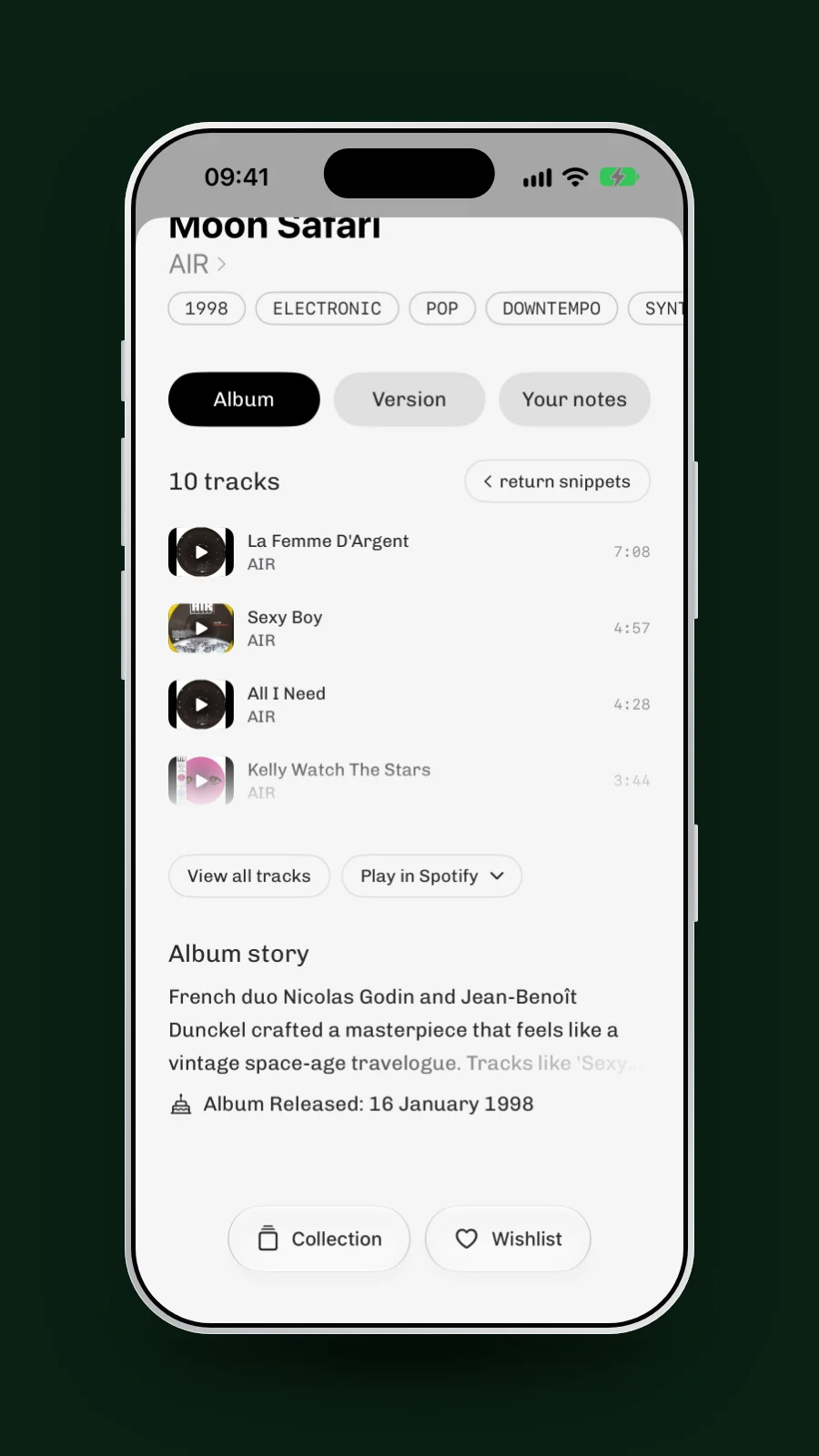
The album page opens with the Album Story, tracklist and available previews. The Version tab keeps the pressing details, photos and identifiers separate. Nothing is added until you choose Collection or Wishlist.

Can Plastic identify a record without a barcode?
Yes. Cover scanning is useful for older records and sleeves with no visible barcode. Plastic uses the artwork and any readable text in the image.
If the sleeve has a barcode, you can scan that instead. A barcode can narrow the releases, but more than one pressing may share the same code. The vinyl barcode scanner guide explains what to check.
Does cover scanning find the exact pressing?
Cover recognition can resolve to a specific release when the match is release-level. When editions share the same artwork, Plastic's version picker helps you distinguish them.
Compare the label, country, year, catalogue number, colour and pressing photos. If you can read the inscription near the label, use Dead wax search to compare the runout text.

Does Plastic scan vinyl, CDs and cassettes?
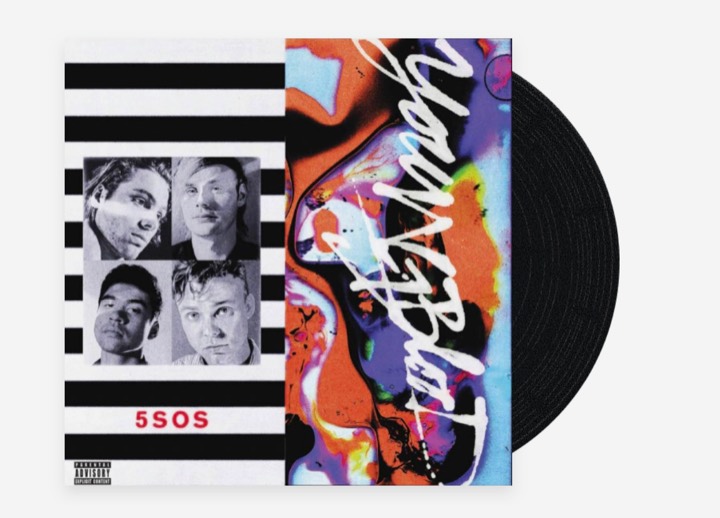
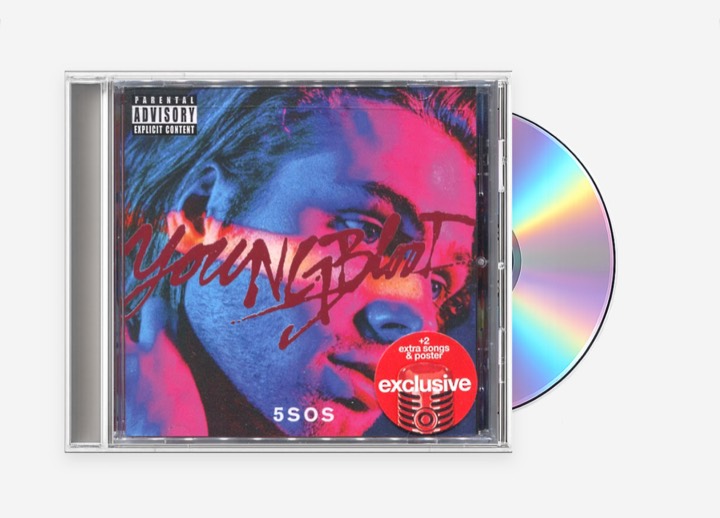
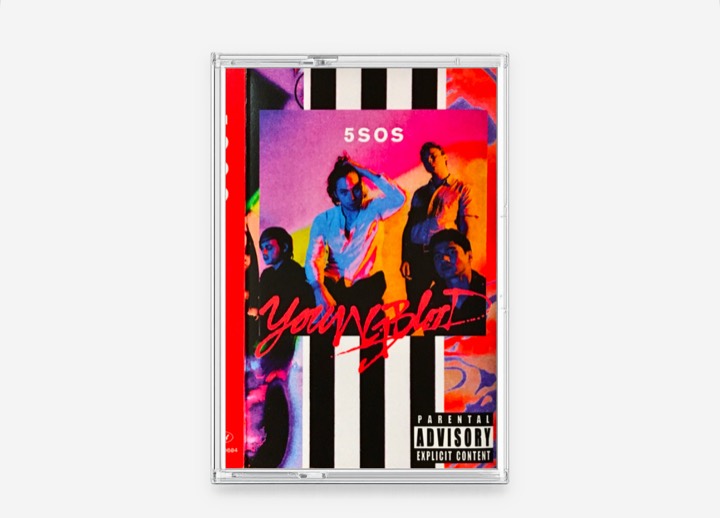
Yes. Plastic identifies the format as well as the album. A CD scan leads to CD versions, and a cassette scan leads to cassette versions. You can keep all three formats in one collection.
Can I scan a saved photo or several covers?
You can import a saved photo or screenshot instead of taking a new picture.
On iPhone, Multi Scan handles up to ten covers in one run. After you take a photo, tap Scan next while that cover is still being identified. It moves to the row under the turntable, and the camera opens for the next sleeve.
You can work through part of a shelf without waiting after every photo. The number available in one run also depends on the scans left on the account.

What if the scan does not find the record?
When Plastic is not sure, it shows a short list of likely matches to choose from. On iPhone, the list also offers Search by text and Scan barcode.
When nothing matches, Plastic says it could not identify the album. Scan the barcode, or search by artist, title or catalogue number. For vinyl, a readable runout gives you another way to search.

Try another photo where the artwork and lettering are clear. Small local releases and unusual editions may be missing from the catalogue, so a failed match does not mean the record does not exist.
Can I hear the album after scanning it?
When available, each track can have an audio snippet or music video. You can also open the album in Apple Music, Spotify, Tidal or YouTube Music.
You do not have to add the record to hear it. Scan an unfamiliar sleeve, listen to the available previews and save it to Wishlist if you want to come back to it.
Can I add scanned records to my Discogs collection?
Yes. Connect your Discogs account once in Plastic. After that, a record you add to Collection is also added to your Discogs collection, in the Uncategorized folder. A record you add to Wishlist goes to your Discogs wantlist.
Tap Collection on the album page and pick the pressing you own. Plastic sends that release to Discogs, so your Discogs collection gets the same edition. Records that are not on Discogs stay in Plastic only. Discogs sync is free on every Plastic account.

What happens after you scan a record?
The album page does more than name the record. It shows what you already hold, so you know where you stand before you buy.
- You already own it. The Collection button reads Collected. When the page shows the whole album, it counts your pressings, for example 2 Collected.
- Which pressing is yours. In the View all versions list, your pressing carries the collection icon and a wishlisted one carries a heart. You can see whether the copy in your hand is the one on your shelf or another edition.
- It is on your Wishlist. The Wishlist button reads Wishlisted, or 2 Wishlisted on the whole-album page, so a record you have been hunting stands out.
- Its birthday. When the album's release anniversary was in the past week, the first tag reads, for example, 28 years today.

From there, the record is one tap from the rest of Plastic.
- Add the details. After Collection, add the condition, a rating, a note or a Collection such as Sunday morning. How to organise a collection that outgrew the alphabet shows where that leads.
- Open the artist. Tap the artist's name for the full discography and the artist's records you have and want.
- Come back later. Each identified scan appears in the Recent row under the turntable, even when you add nothing. View all opens the longer list.
- Show it off. The records you collect can go on your own public page. Share your record collection online explains how.

Vinyl record scanner FAQ
Can an app identify a vinyl record from a photo of the cover?
Yes. Plastic can find an album or a specific release from a sleeve photo. If the artwork is shared by several editions, use the version picker to compare their details.
Do I need a barcode?
No. Plastic can identify an album from its cover. A barcode is another way to narrow the possible releases when one is present.
Does a cover scan identify a first pressing?
A scan can return a first-pressing release. When later editions reuse its artwork, compare the label, catalogue number and runout to distinguish the original from a reissue.
Can Plastic identify CDs and cassettes too?
Yes. Plastic identifies vinyl, CDs and cassettes and shows the matching format and versions.
Does Plastic show if I already own a scanned record?
Yes. The Collection button reads Collected, and the View all versions list marks the pressing you own, so you can spot a duplicate before you buy it.
Can I scan several records at once?
On iPhone, Multi Scan handles up to ten covers in one run. Each cover is still identified separately.
Can Plastic add scanned records to my Discogs collection?
Yes. With your Discogs account connected, a record you add to Collection in Plastic is added to your Discogs collection automatically. Discogs sync is free.