Collecting
How to organise a vinyl or CD collection that outgrew the alphabet
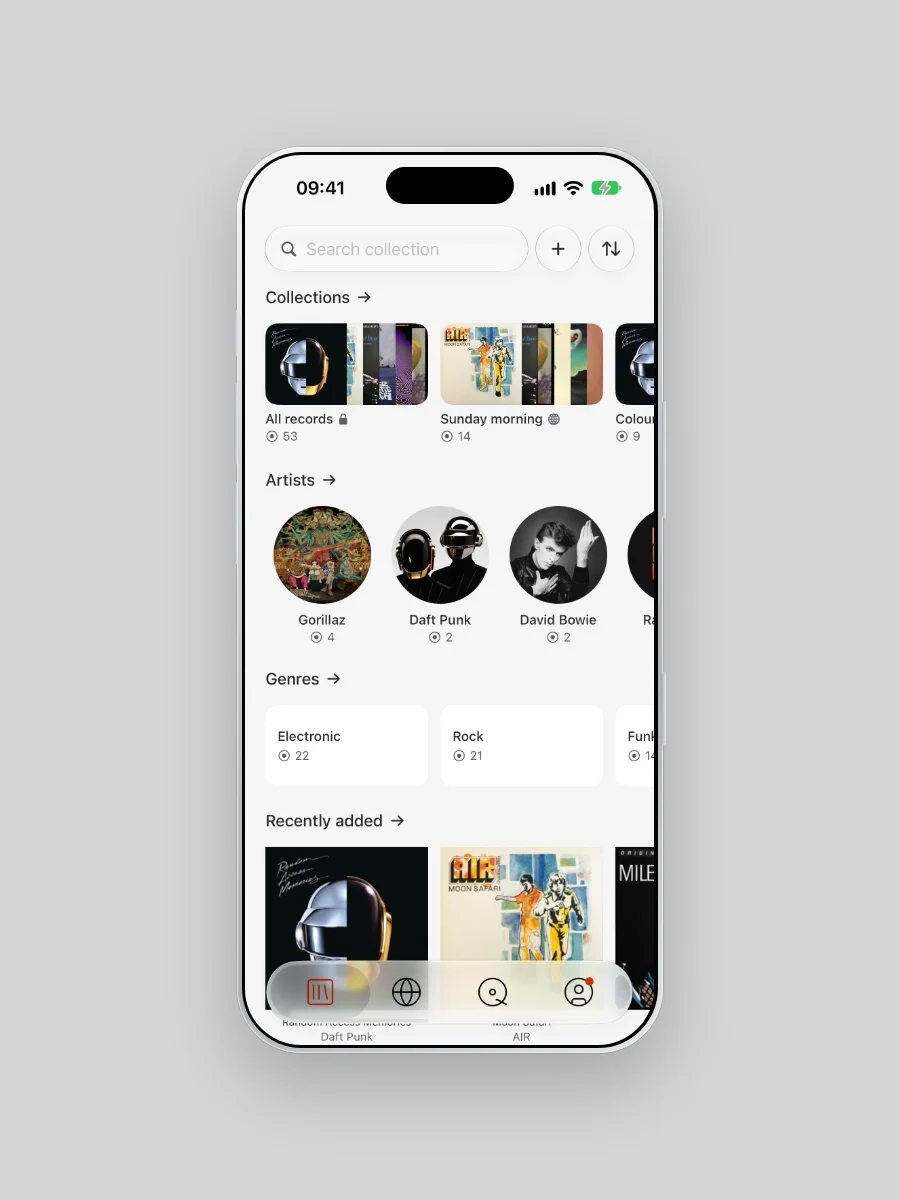
At fifty records, a shelf runs on memory. Somewhere past three hundred, it starts asking questions. Did Bowie go under B or D? Where is the Trainspotting soundtrack? Which records feel like Sunday morning? A shelf can hold one order. Your phone can hold all of them, so keep the shelf simple and let Plastic carry the rest.

Every order is good at one thing
Alphabetical is the order anyone can read. Steve Sexton, head buyer at Sister Ray Records, told Livingetc that A to Z by surname is "the way to go" for a big collection. It still asks for rulings. Two collectors on a hi-fi forum, about a thousand records each, couldn't agree on Bowie. Mark Burgess of Flashback Records says to settle The Jam, J or T, and stick to it.
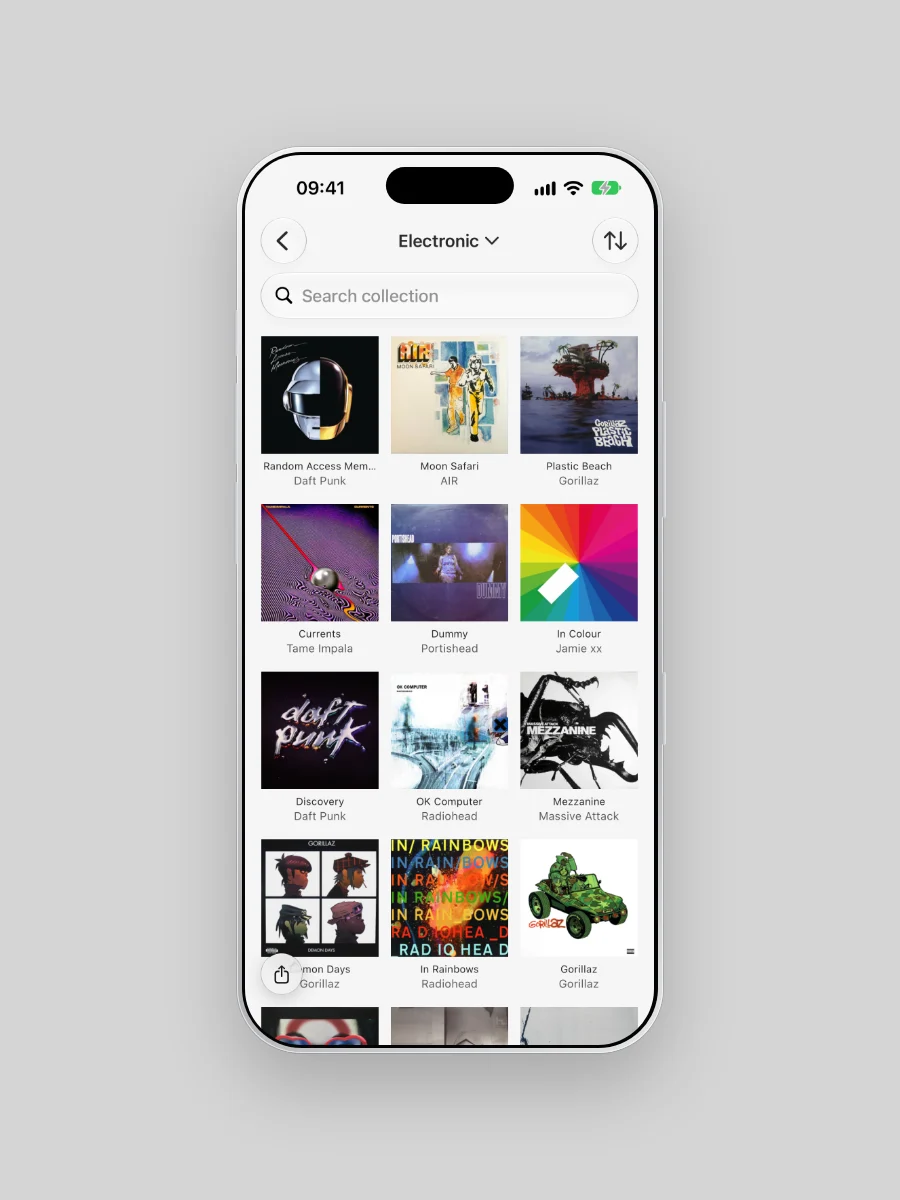
Genre is how a shop browses, until a record wants two sections. Is Radiohead rock or electronic? Chronological shows how one sound grew out of another, and baffles everyone else. The autobiographical shelf from High Fidelity, records in the order they came into your life, keeps the memories attached. Nobody else can read it. Colour makes the best wall in the room and the slowest search. None of them is wrong. Each one answers a single question.
The soundtrack problem
You bought Trainspotting for Underworld's "Born Slippy (NUXX)". Iggy Pop, Blur and Pulp are on it too, and Discogs credits it to Various. So it can't stand next to Second Toughest In The Infants under U. Some collectors give compilations the V slot, others a block after Z. The practice we love is filing by film title, which puts this one under T. Choose once and keep to it.
One shelf, every order
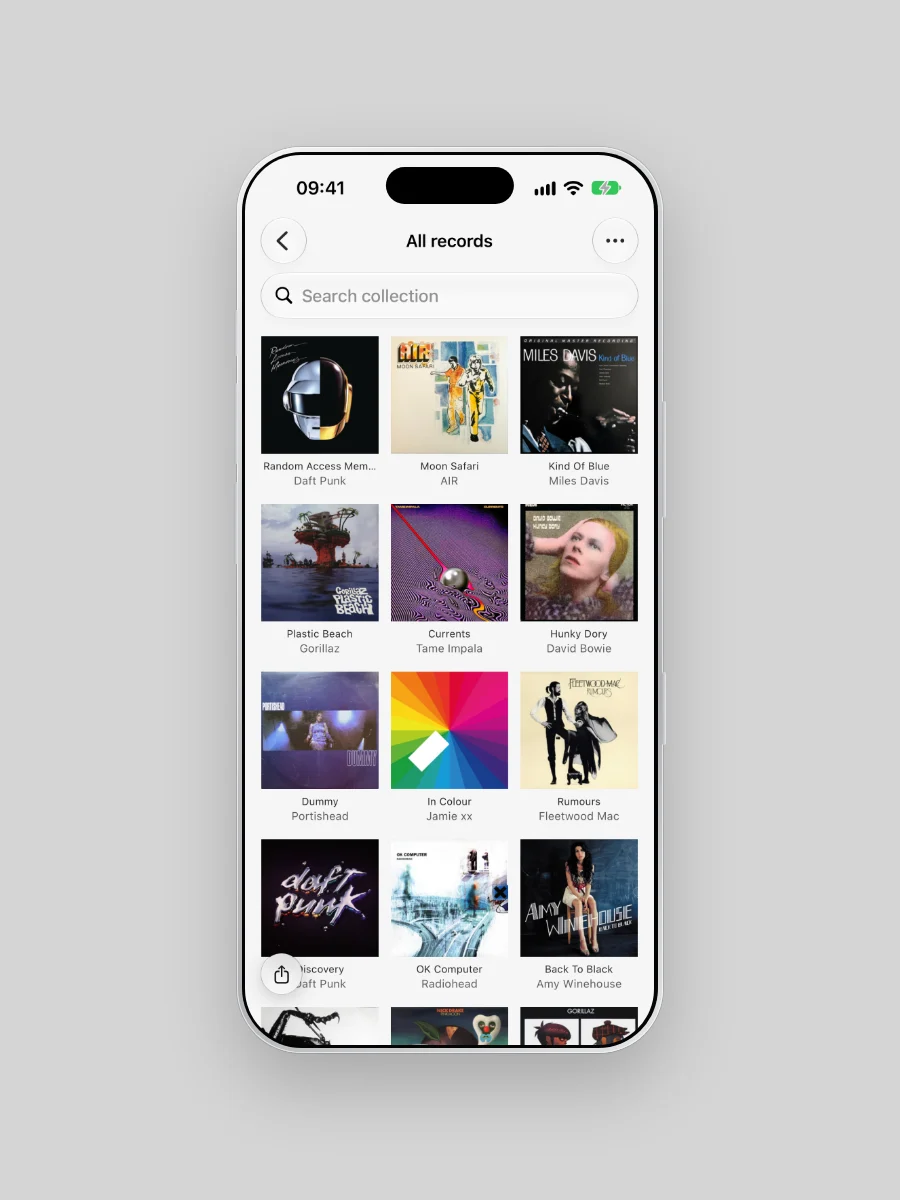
A shelf gives each record one slot. Plastic files a record under every genre it carries and in every Collection you add it to. Trainspotting is tagged Electronic, Rock and Stage & Screen on Discogs, so it can sit in all three. No sleeve moves.
CDs and cassettes live in the same Library, so one Collection can hold the LP at home and the CD you play in the car.
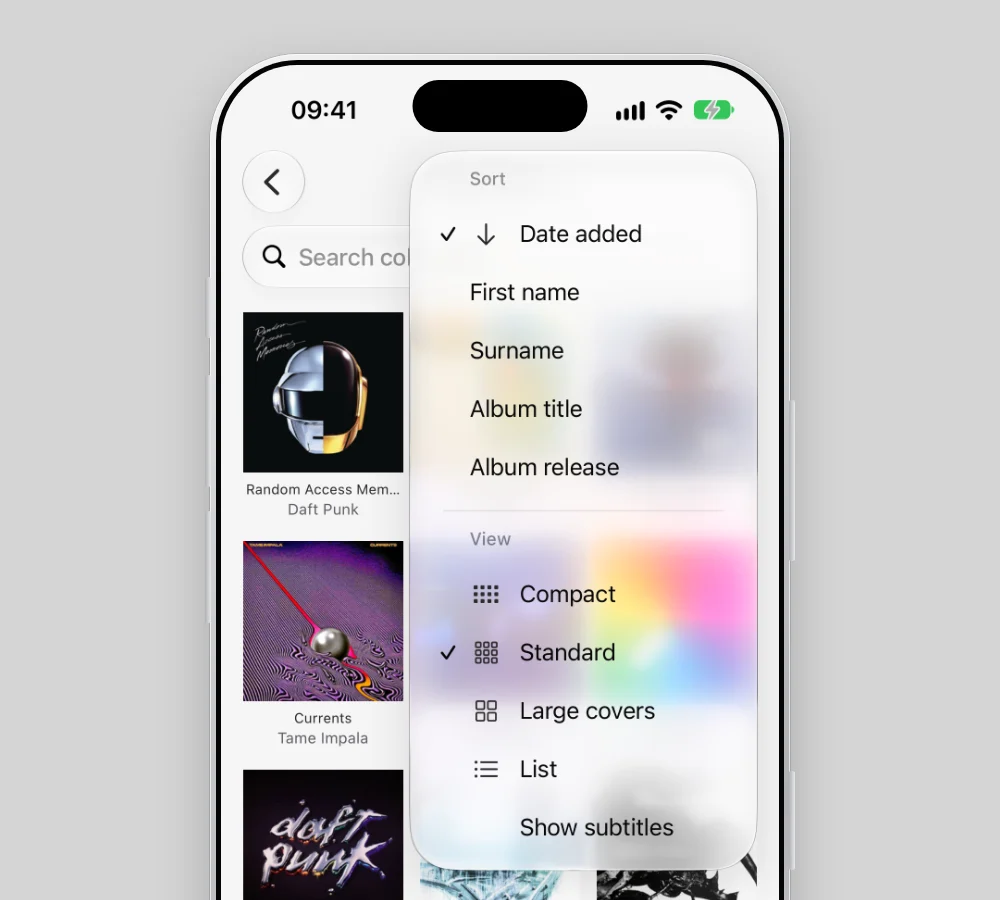
Sort by first name or surname, by title, by year or by the day a record came home. However you settled Bowie, the Library agrees.
So leave the shelf in the order your hand already knows. Every other order lives in Plastic. Scan a sleeve or a barcode, and the record files itself under its artist and genres at once.
The shelves in your head
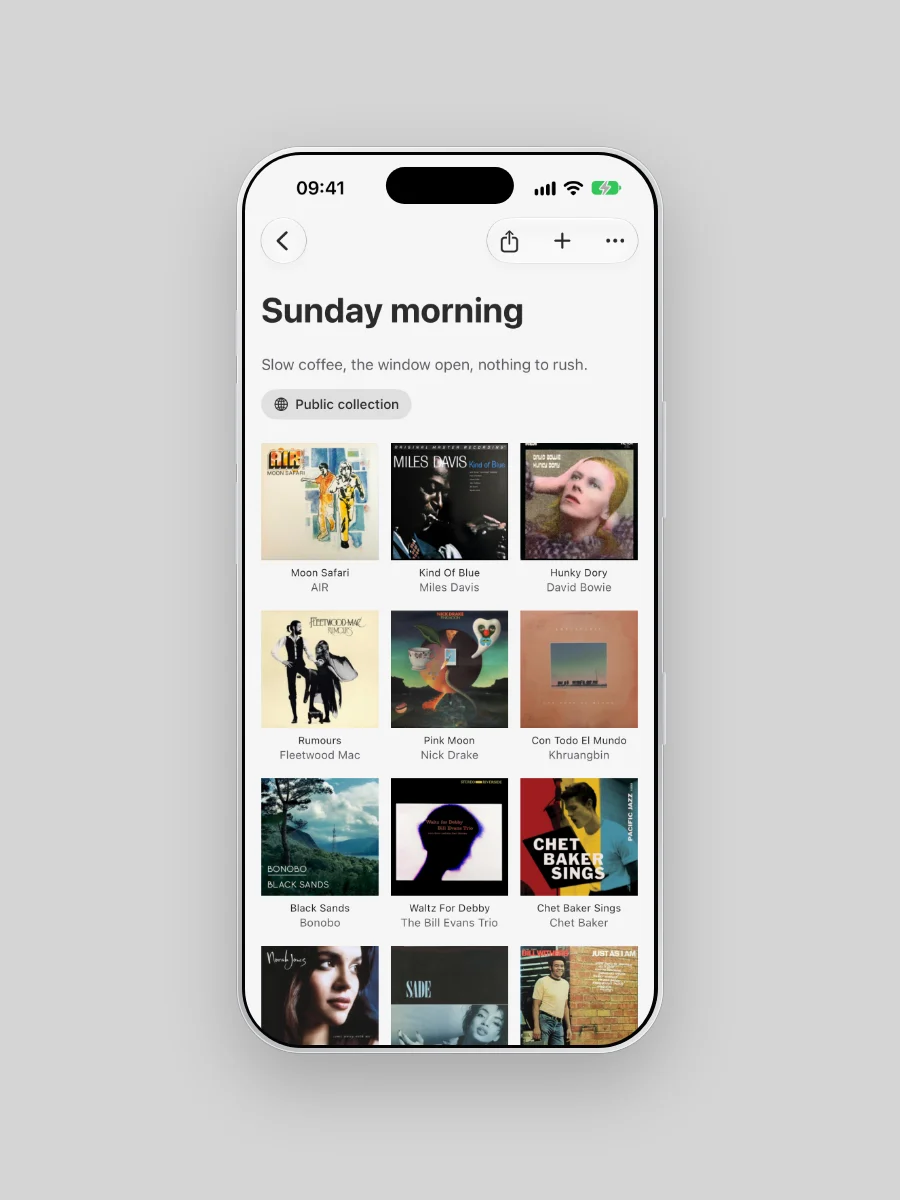
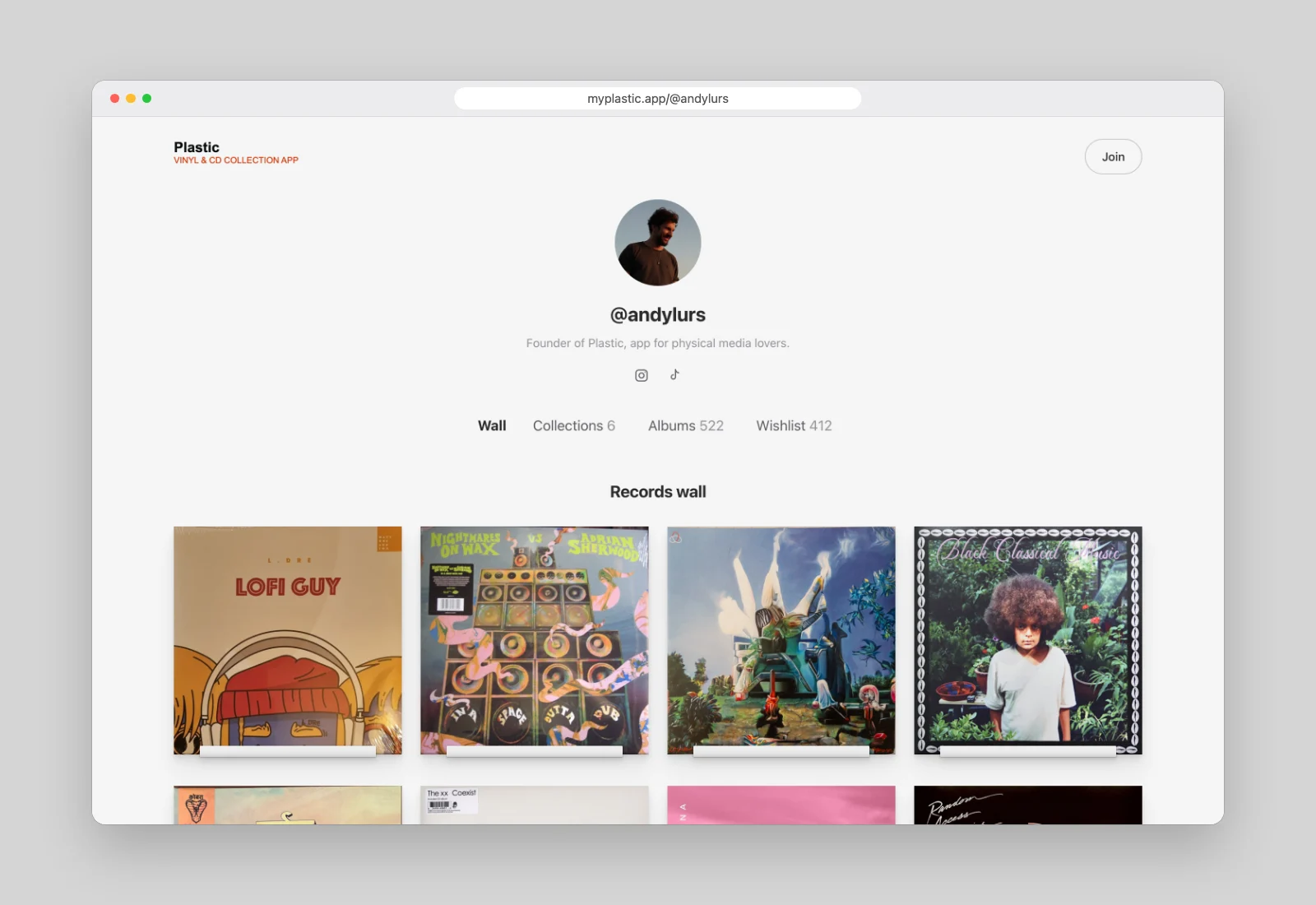
Every collector already sorts in small groups: Sunday morning, Lent out, To re-listen, the records that got you through a winter. In Plastic each one becomes a Collection, a shelf only you could make. Group your coloured vinyl, your signed copies, even the records you'd trade. A record can sit in as many as you like, so Kind Of Blue can live in Sunday morning and Late nights at once.
Write a line about each one and set the running order yourself. Then show it on your public page, or keep it to yourself.
Every artist, the whole story
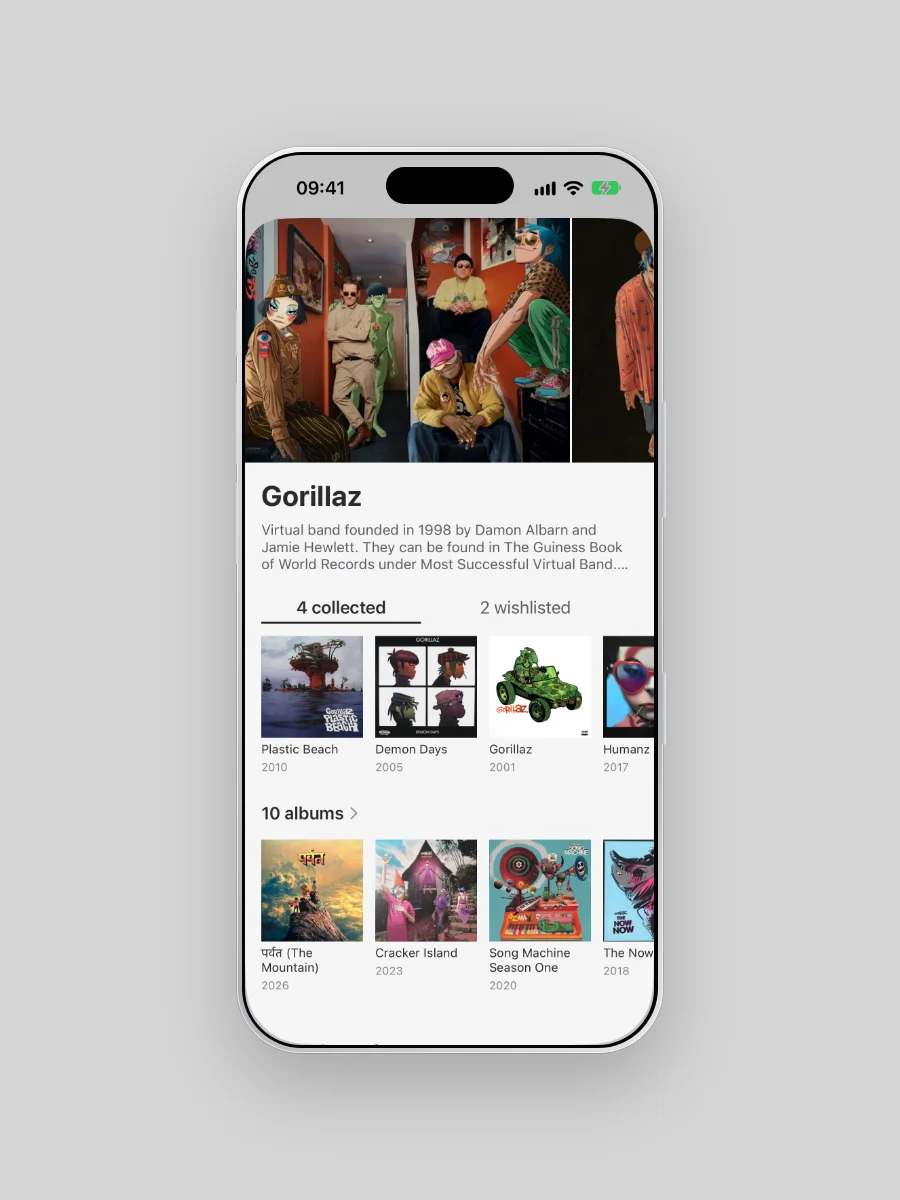
An artist's page shows the whole discography, with your records marked: the ones you own, the ones you want. Gorillaz, above: four collected and two wishlisted, out of ten albums. The gaps show at a glance.
The easiest start
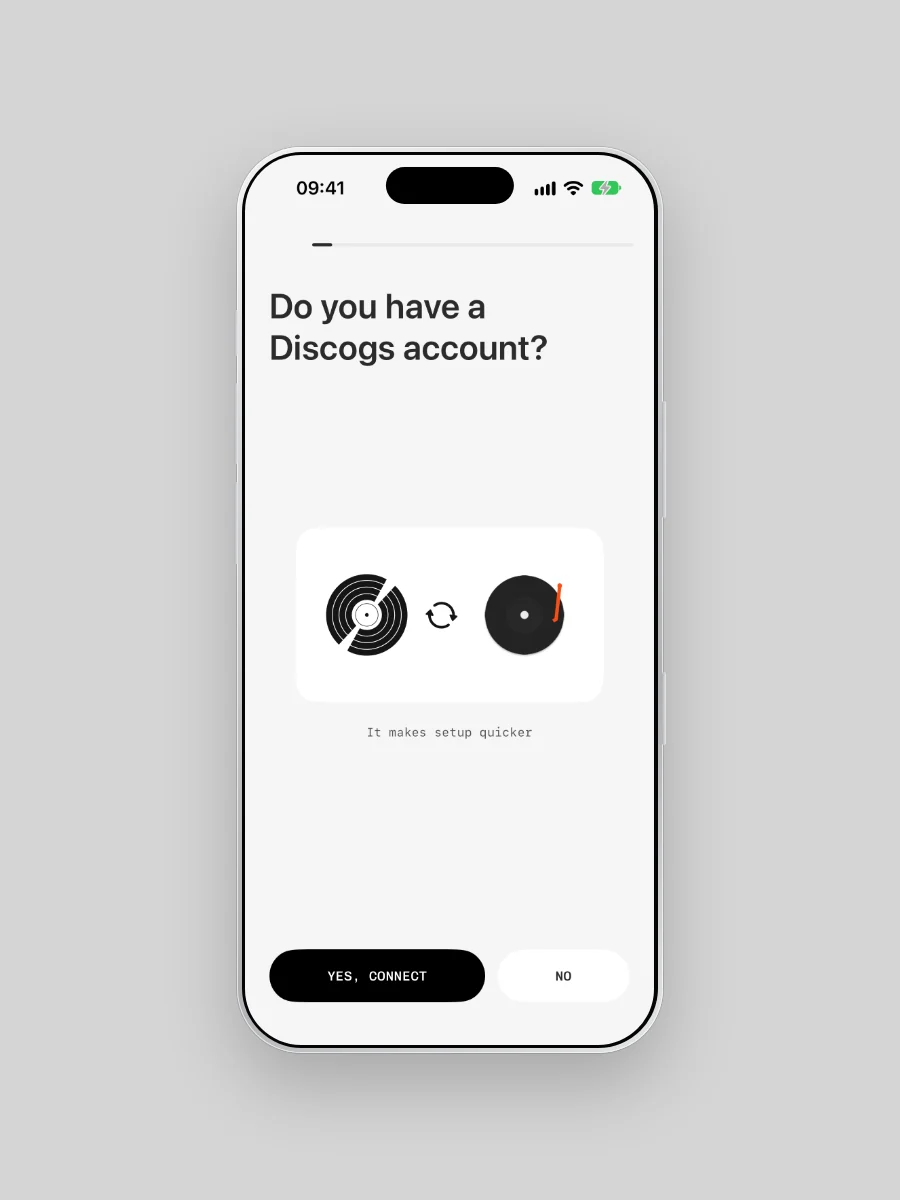
Connect your Discogs account, and Plastic does the rest. Your records arrive with their genres, along with your folders and your wishlist.
Start your first Collection
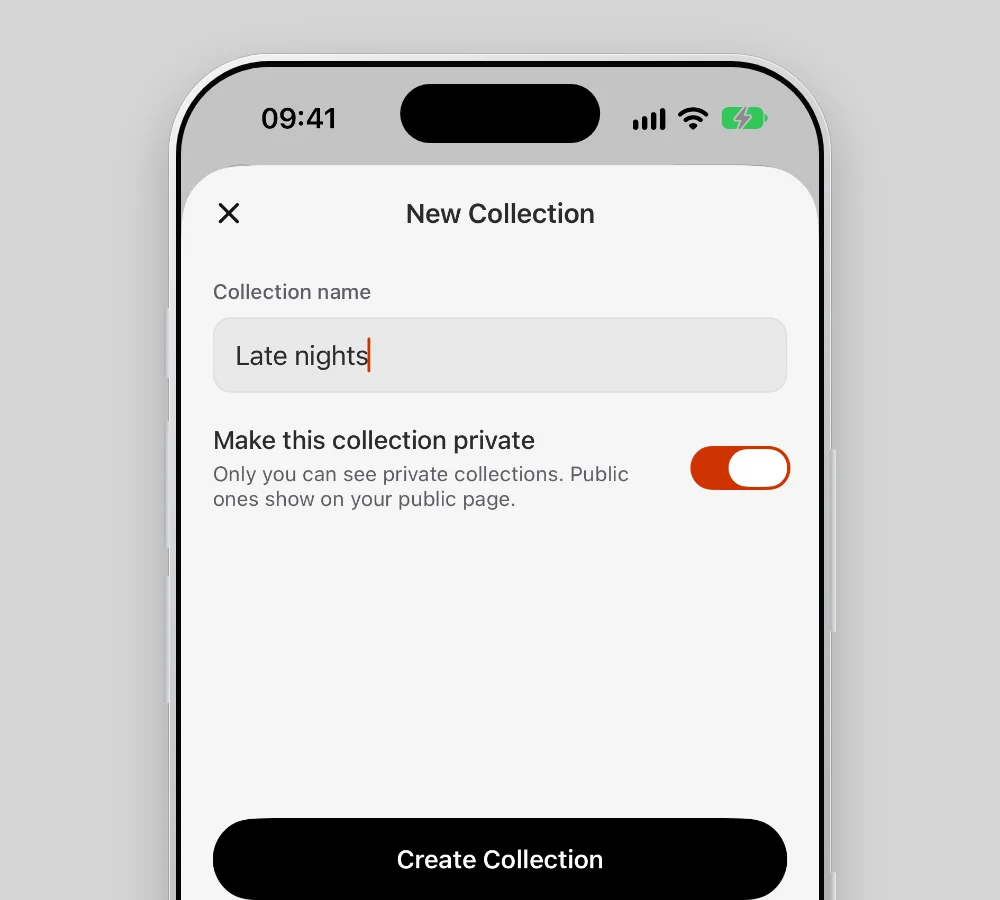
- Open the Collection tab, the first icon in the tab bar, and tap Collections.
- Tap the + button and give it a name.
- Choose whether it shows on your public page or stays private.
- Tap Create Collection, add your records and tap Save.