Collecting
How to share your vinyl collection on social media or with friends
To share your vinyl collection as an image, open your collection in Plastic and tap the share button. The app arranges the covers into a grid you can save or send. You can share your whole collection, your wishlist or a smaller group of records. For the albums you added during a month, Monthly Rewind offers a grid and a short video.
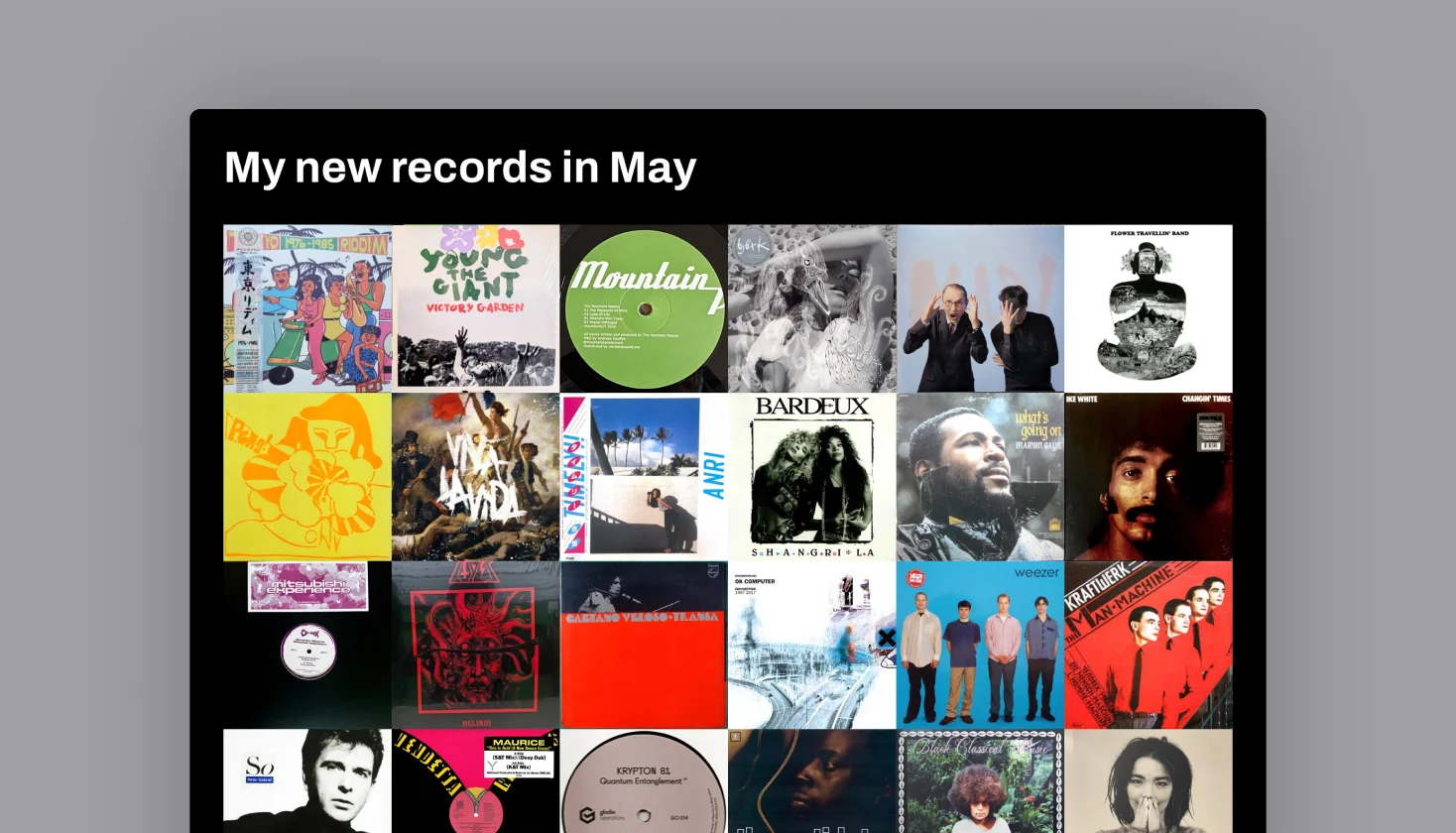
You have probably seen them in record-collecting groups: dozens of album covers in one image, with a few familiar sleeves making you stop and look. An album-cover collage is a simple way to say, “This is what I’m into.” You do not have to photograph every record on the floor or arrange the artwork by hand.
This guide follows Plastic on iPhone. On Android, Monthly Rewind shares the grid only.
A Discogs link or an album-cover grid?
If your collection is already on Discogs, you can make it public in your privacy settings and send someone the link to your collection page. That is useful when they want to browse the catalogue and look through individual editions.
A grid puts the covers directly in your post or message, so a friend can spot an album they love without opening a catalogue.
Want a link that stays up to date instead? Your own Plastic page shows your wall, your Collections, your whole collection and your wishlist.
If you use Discogs, connect it to Plastic and let your collection and wishlist sync before making the image. You can share the grid without making your Discogs collection public. Our Plastic and Discogs guide covers the setup. If your records are already in Plastic, you can start there without a Discogs account.
How to make a grid of your whole vinyl collection
- Open the Collection tab, the first icon in the tab bar. It opens on your collection home page.
- Under Collections, tap All records. This opens your whole collection.
- Tap the share icon at the bottom left, the square with an upward arrow.
- Let the cover grid finish loading. Plastic opens the iPhone share sheet when the image is ready.
- Save the image or choose where to send it. You can also save it first, then attach it to a social post with your own caption.
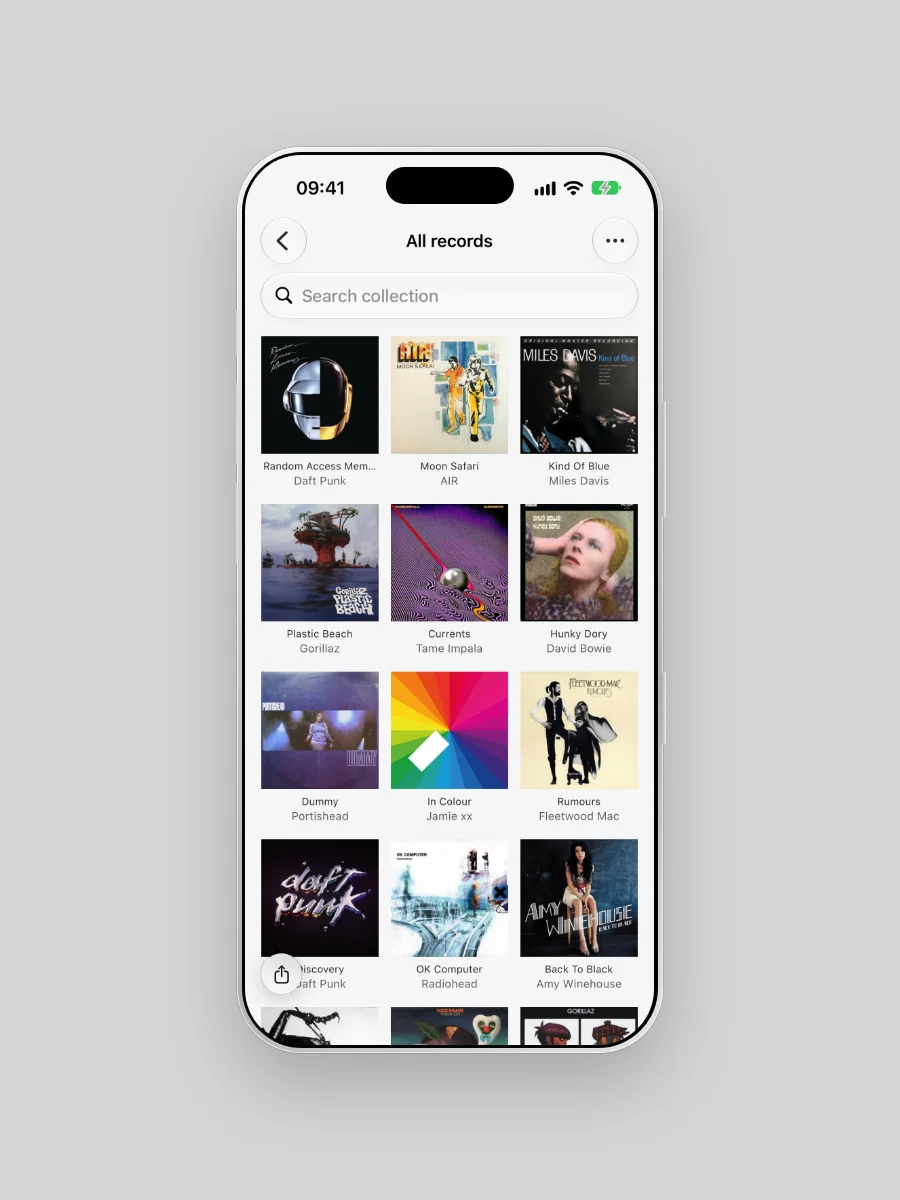
The grid includes records beyond the rows visible on your screen. More records mean smaller covers, so choose a smaller group if you want each sleeve to be easy to recognise on a phone. Records without artwork are omitted. On a free account, the grid shows the records you can browse.
Share particular records, an artist or a format
For a smaller selection, add the records to a Collection or a folder. Open it from the Collection tab and tap the share icon. On a Collection you made, the share icon is at the top right. You can also share a genre from Genres or an artist from Artists.
Open David Bowie under Artists to share every Bowie record you own. Make a CDs or Cassettes Collection for a format grid. A Collection groups records without moving them between folders. Mixed vinyl, CD and cassette collections work too.
Choose the group before sharing. Text search does not define the exported selection, so check the title and covers before sending.
Share your wishlist as a grid
In the Collection tab, tap the Wishlist heading. Then tap the share icon to make a My Wishlist image. This shares the whole wishlist, giving someone a visual idea of the records you are hoping to find.
Send it before a record fair or when a friend asks what you would like as a gift. If you want a particular pressing, colour or format, add that detail to your message.
Share Monthly Rewind as a grid or video
Monthly Rewind gathers the records you added during a month. You can open it yourself without waiting for the monthly prompt:
- Open Profile and tap Owned.
- Use the arrows to choose an available month.
- Tap New records card.
- Choose the light video, the dark video or the grid with the three icons at the top.
- Tap Share video or Share grid.
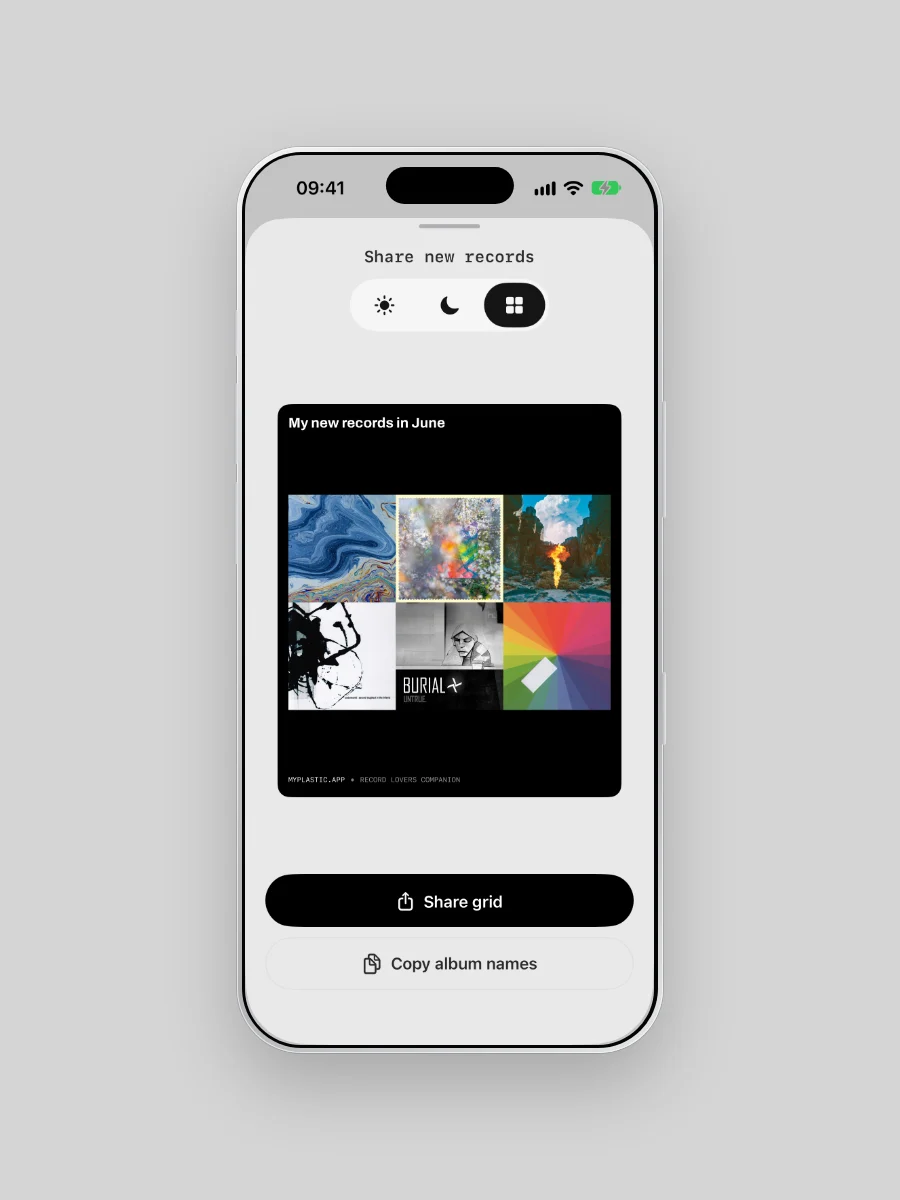
Choose the grid to put the month's covers together in one image. Choose a video to show records one after another, with their album and artist names. Videos include up to 30 of the month's newest additions.
Rewind offers eligible months in a six-month window, with at least three additions per month. During days 1–7, the window ends at the previous month; from day 8, it includes the current month.
A Rewind video in motion
Copy album names for the caption
In the Rewind sharing screen, tap Copy album names to copy the video's album and artist list. Paste it into your caption or message, then add a note about your favourite find.
Still setting up the catalogue behind the image? Our guide to organising a record collection shows how Collections, artists and genres work in Plastic.