Scanning
Barcode scanner for vinyl records
Point Plastic's camera at the barcode on a record sleeve to look up matching releases. You can also type the digits into Search. Plastic is a collection app for vinyl, CDs and cassettes on iPhone and Android.
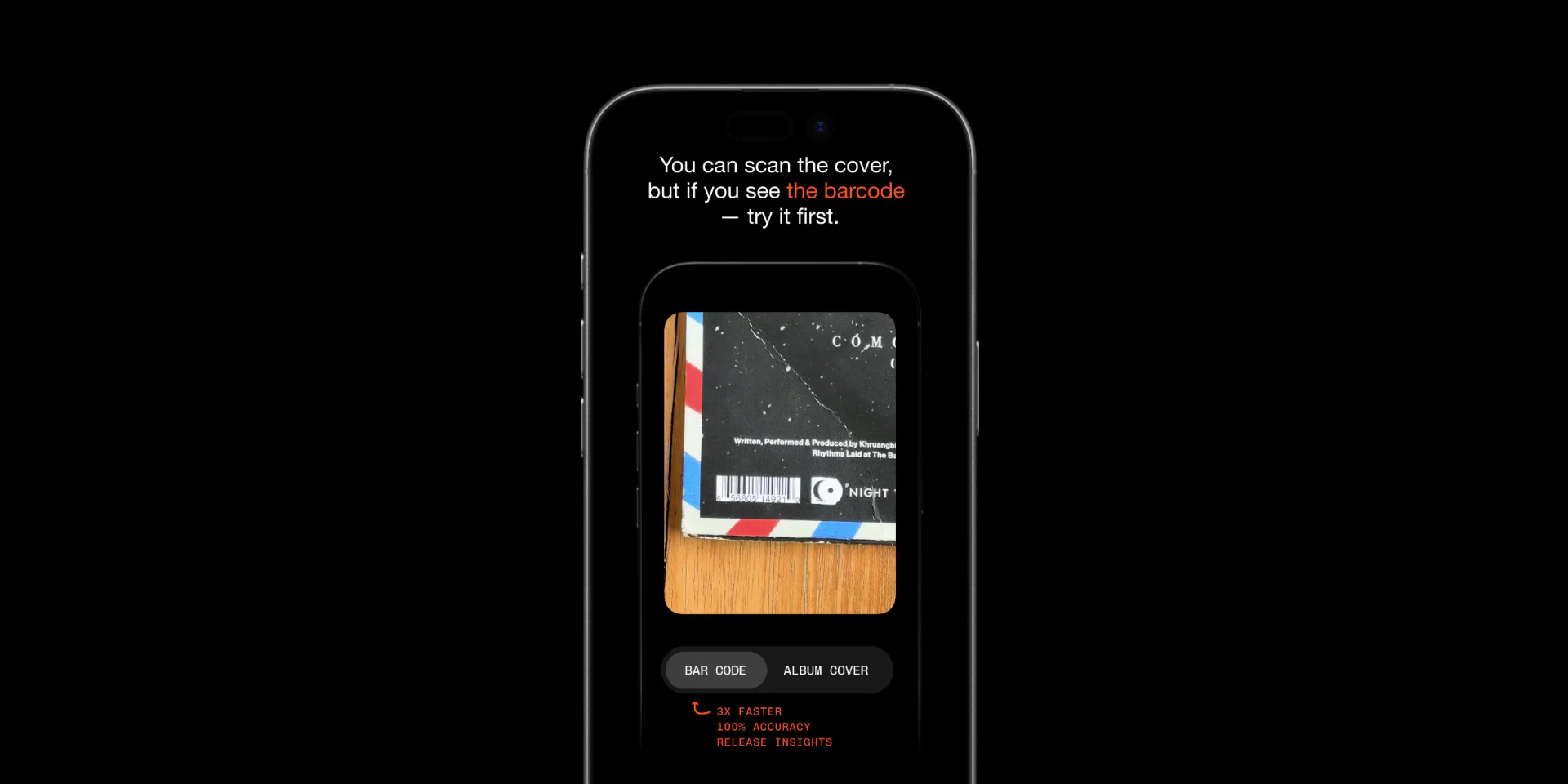
A barcode scan can identify a specific pressing when the code matches that release. If the code is shared by several editions, Plastic shows the matching candidates.
If the sleeve has no barcode, start with the cover scanner. If the barcode returns several releases, compare the runout with Dead wax search before choosing the pressing.
Which records have no barcode?
Many older pressings have no barcode. Adoption was uneven, and some promos and white labels never had one. Sometimes the barcode was printed on a sticker or the shrink wrap and disappeared when the packaging was removed.
When there is no barcode, use the cover, catalogue number or runout.
What does a barcode identify?
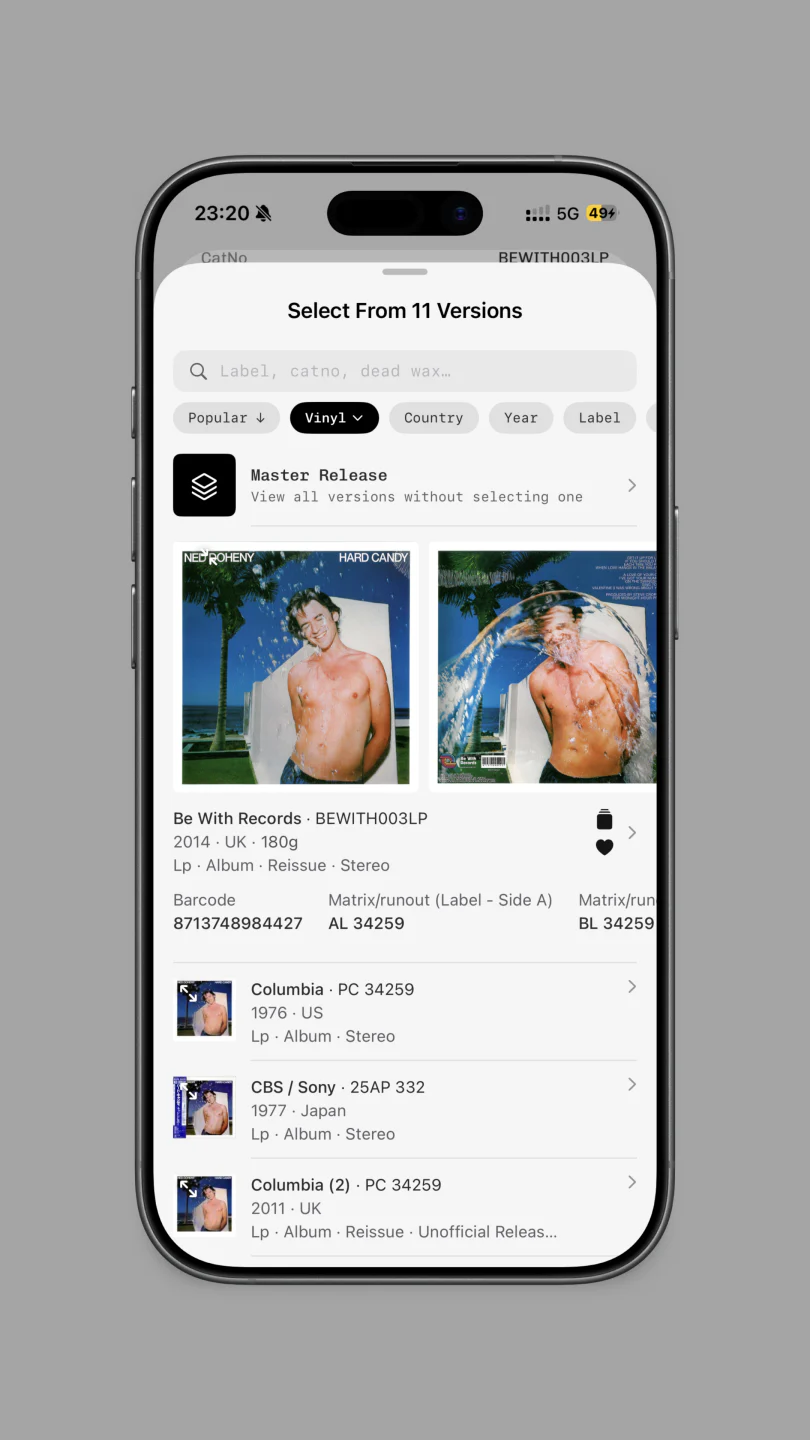
A barcode links the packaging to one or more catalogue releases. A single release match can identify the pressing directly; shared codes return several editions to compare.
When you type a barcode, Plastic searches Pressings. A camera scan looks up the releases tied to the code. If several results share it, compare the label, catalogue number, country and runout before choosing one.
Typing a barcode into Search does not use a scan.
What can I use when there is no barcode?
The cover
Point the camera at the front of the sleeve. Plastic matches the artwork and visible text to the records it knows.
For a sleeve without a barcode, this is often the simplest place to start. The cover scanner guide explains how to check the result.
The catalogue number
Look for a short group of letters and numbers on the spine, back cover or label. This is the catalogue number, also called a catalog number. It can narrow the list, though some repressings keep it unchanged.
A cover scan can read a visible catalogue number and use it to narrow the result. The number must be clear in the photo.
The runout
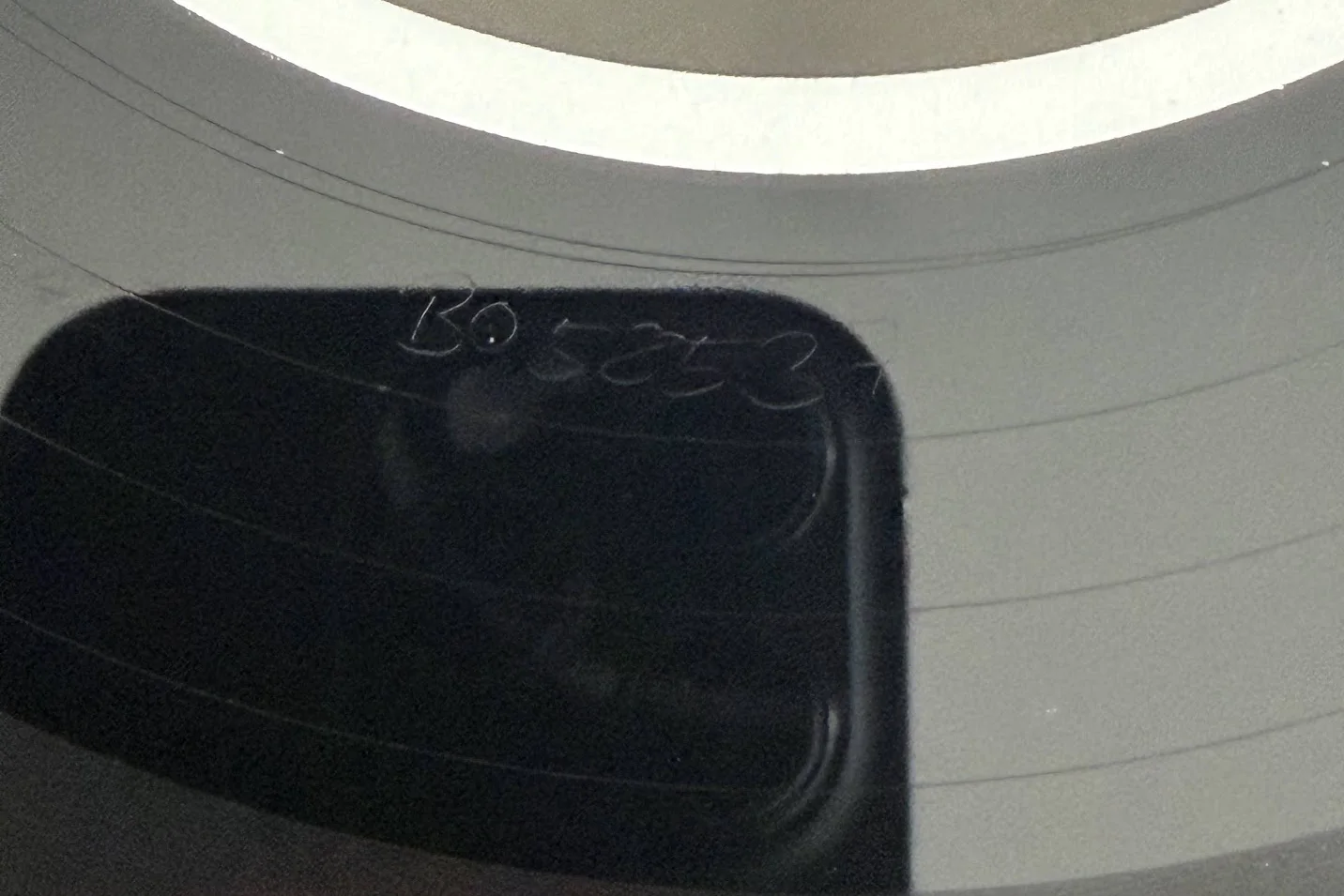
The runout, also written run-out and often called dead wax, is the area between the recorded grooves and the label. It may contain a matrix number or matrix code plus other etched or stamped marks.
Plastic has a typed dead wax search. Enter at least three readable letters or numbers and compare the matching pressings.
Read how dead wax search works.
Do barcode scans and cover scans use the same allowance?
Yes. Barcode and cover scans come from the same scan allowance. Search is separate, so you can type a barcode, title or runout without using a scan.
Vinyl barcode scanner FAQ
Does Plastic scan record barcodes?
Yes. Point the camera at the barcode, or type the digits into search.
Why does my record have no barcode?
Many older records have no barcode. Use the cover, catalogue number or runout instead.
Can Plastic find a record without a barcode?
Yes. Scan the cover, search the catalogue number or type the runout into dead wax search.
Does a barcode prove that I have a first pressing?
No. Use the barcode to narrow the release, then check the label, catalogue number and runout.